How to Fix WhatsApp Desktop Crashes on macOS Sonoma and Sequoia
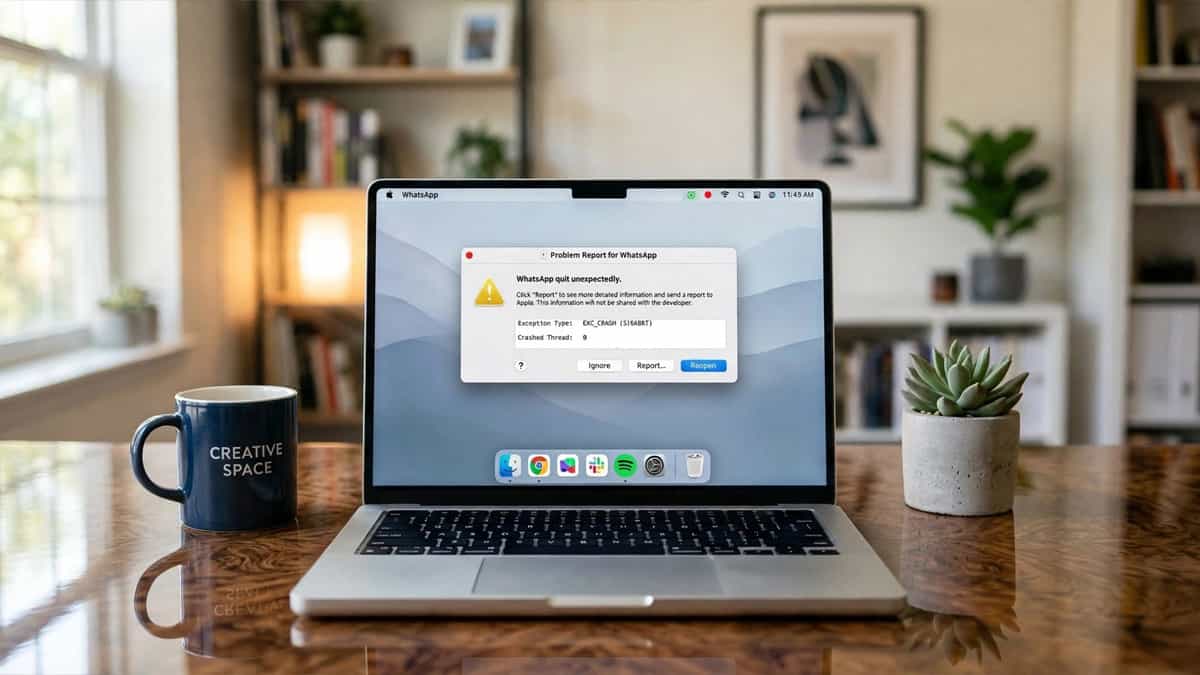
WhatsApp macOS Sonoma Crash

Quick Fix Checklist Symptom Primary Solution App closes immediately on launch Update WhatsApp via the Mac App Store Spinning beachball on startup Delete the “Application Support” folder for WhatsApp Crashes after waking from sleep Turn off “Open at Login” in System Settings Missing menus or visual glitches Reset the app’s PLIST file using Terminal With … Read more

How to Fix WhatsApp Web QR Code Generation Failure and Loading Spinner

WhatsApp Web QR Code Not Loading

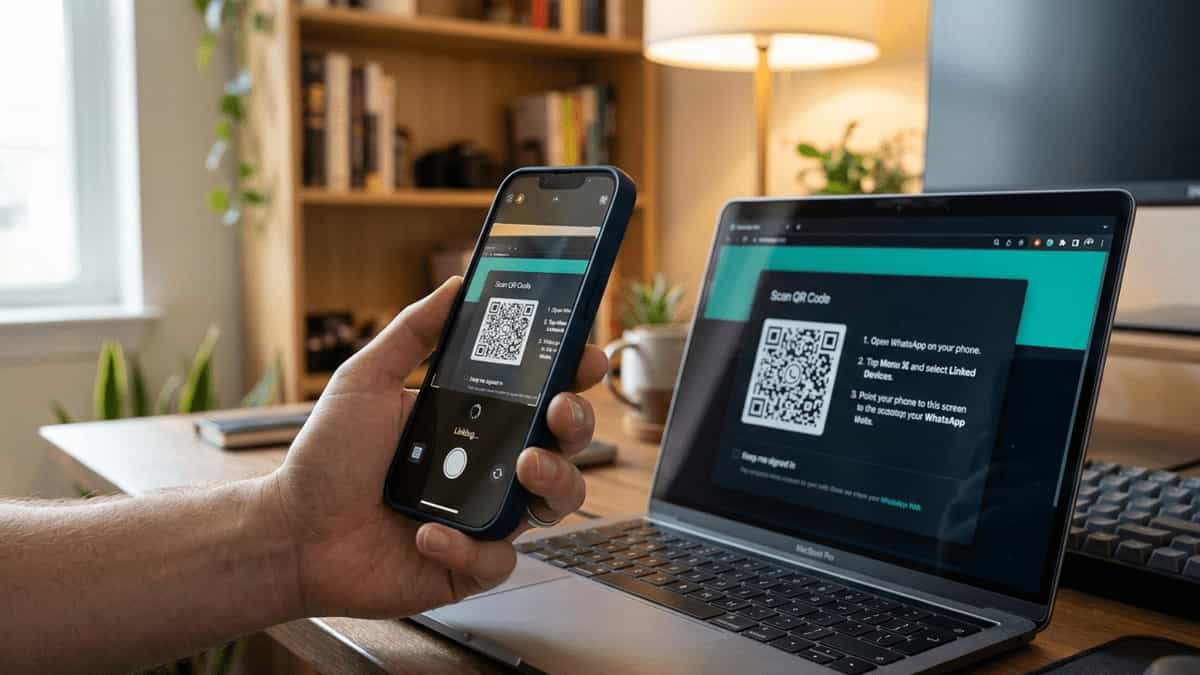
Quick Fix Checklist Symptom Primary Solution Spinning circle for the QR code Check your internet connection speed Blank box where the code should be Clear browser site data for whatsapp.com “Retry” button appears immediately Disable “Ad-Blocker” or “Script Blocker” extensions QR code is blurry or distorted Turn off “Dark Mode” or “Invert Colors” browser features … Read more

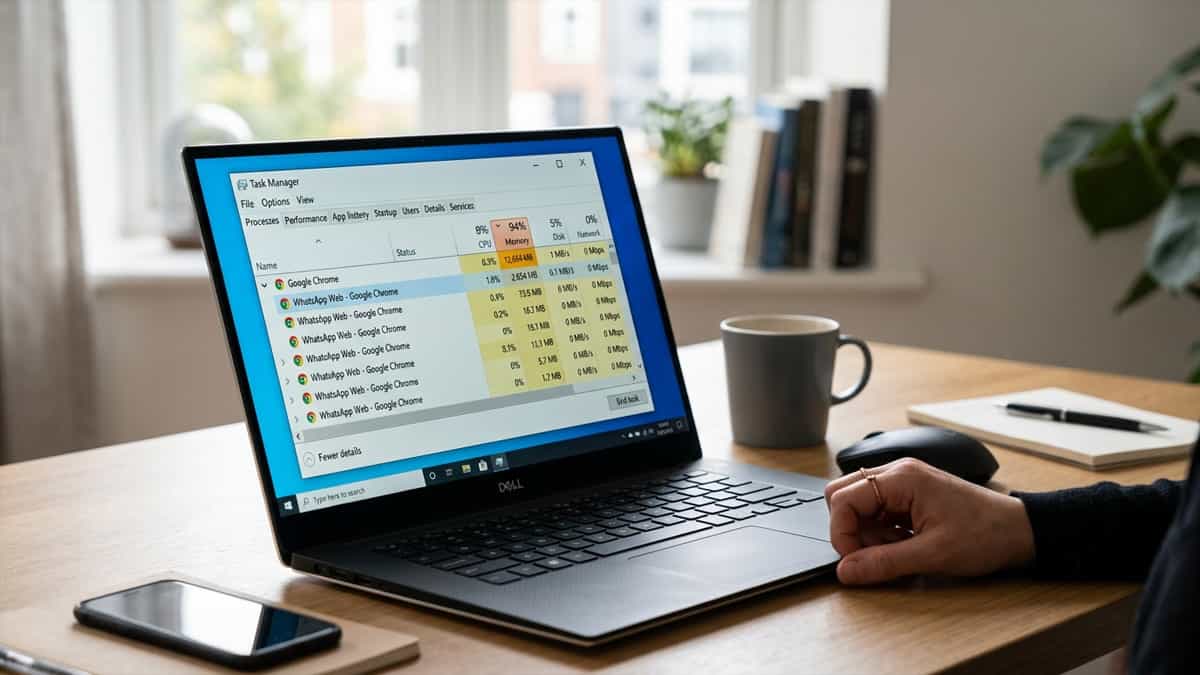
How to Fix WhatsApp Web Windows RAM Overload and Slow Performance

WhatsApp Web Windows RAM Overload

Quick Fix Checklist Symptom Primary Solution Chrome/Edge using 1GB+ RAM Suspend inactive tabs using “Memory Saver” PC fan spinning loudly Turn off “Hardware Acceleration” App lag when typing Clear WhatsApp-specific site data and cache Windows 10/11 “Memory Warning” Use the WhatsApp Desktop app (Direct version) WhatsApp Web is a resource-intensive application. Because it runs complex … Read more

How to Protect Your WhatsApp Web from Session Hijacking and Hackers

WhatsApp Web Session Hijacking

Quick Safety Checklist Threat Primary Defense Unauthorized linked device Regularly check “Linked Devices” on your phone Fake login QR code Only scan QR codes at web.whatsapp.com Phishing via Google Ads Avoid “Sponsored” search results for WhatsApp Logged in on public PC Always click “Log out” before closing the tab WhatsApp Web’s “Multi-Device” feature is incredibly … Read more

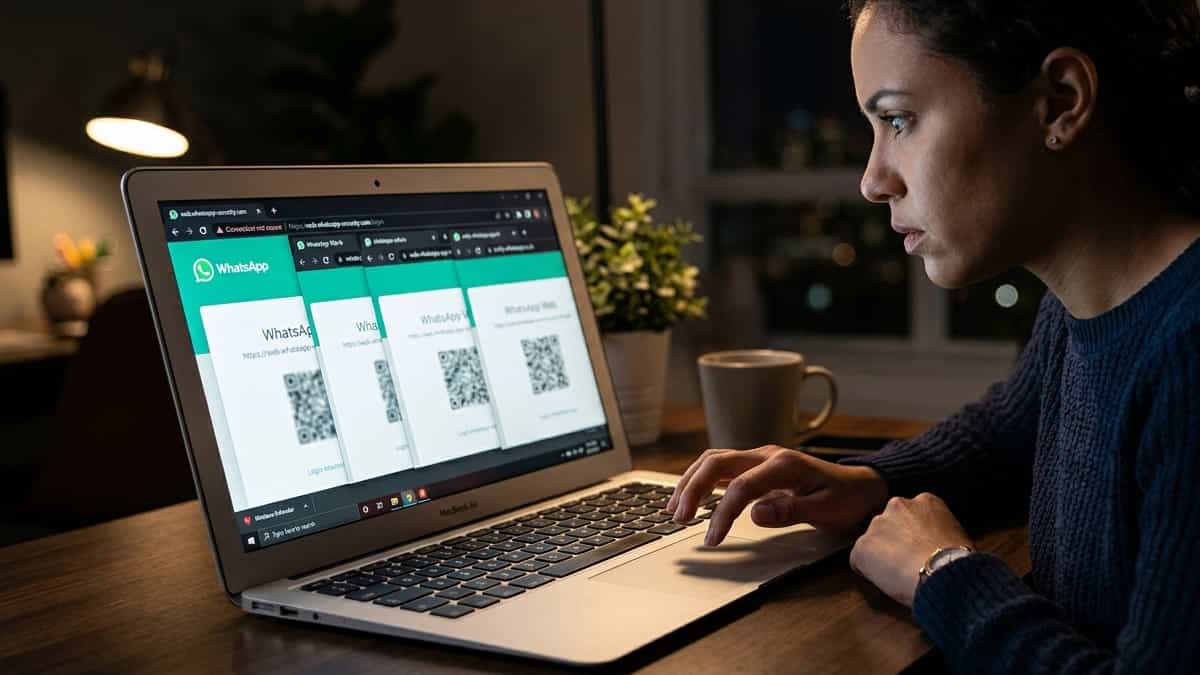
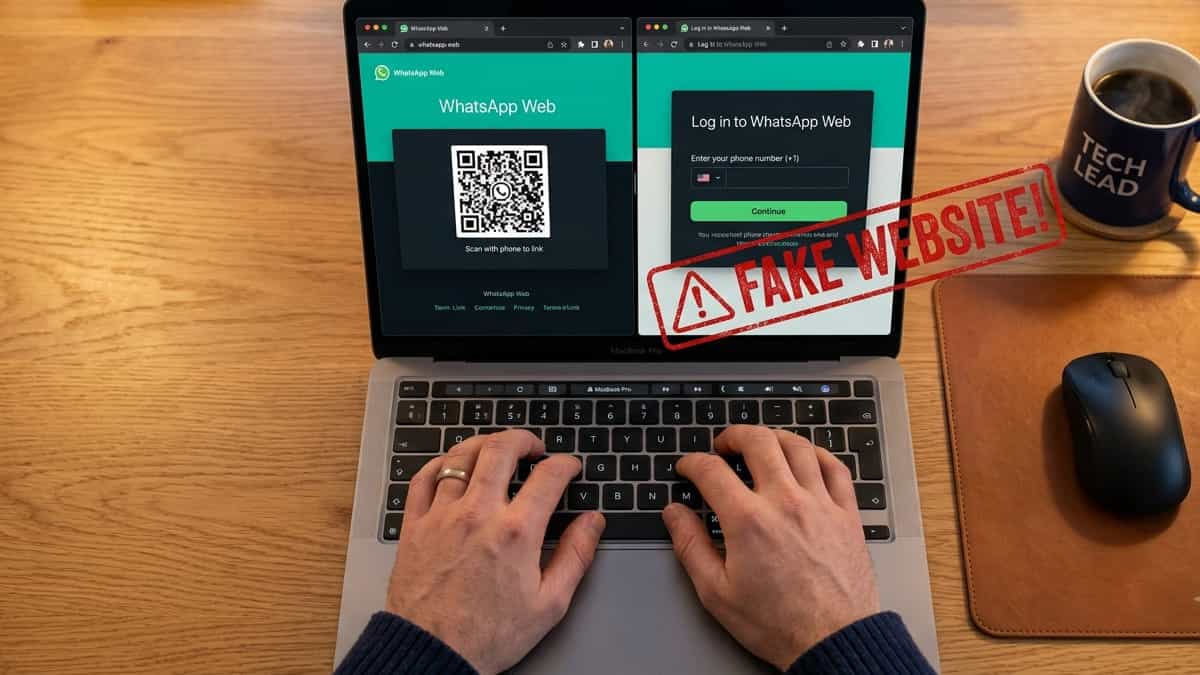
How to Identify Fake WhatsApp Web Phishing Sites and Stay Safe

Fake WhatsApp Web Phishing Sites

Quick Safety Checklist Check Official Site behavior The URL web.whatsapp.com (and only that) Login Method Always shows a QR code, never asks for a phone number first Security Icon Should have a padlock icon in the browser address bar Search Results Beware of “Sponsored” or “Ad” links on Google/Bing WhatsApp Web is a target for … Read more

How to Sign Out of Netflix on TV: Standard & Remote Methods

How to sign out of Netflix on TV remote screen showing Get Help menu

Why Signing Out of Netflix Matters Keeping your Netflix account logged in on a shared, public, or unfamiliar TV can lead to several issues. It grants free access to your subscription, potentially disrupts your personalized recommendations by introducing someone else’s viewing history, and poses a security risk to your account. Whether you’re checking out of … Read more

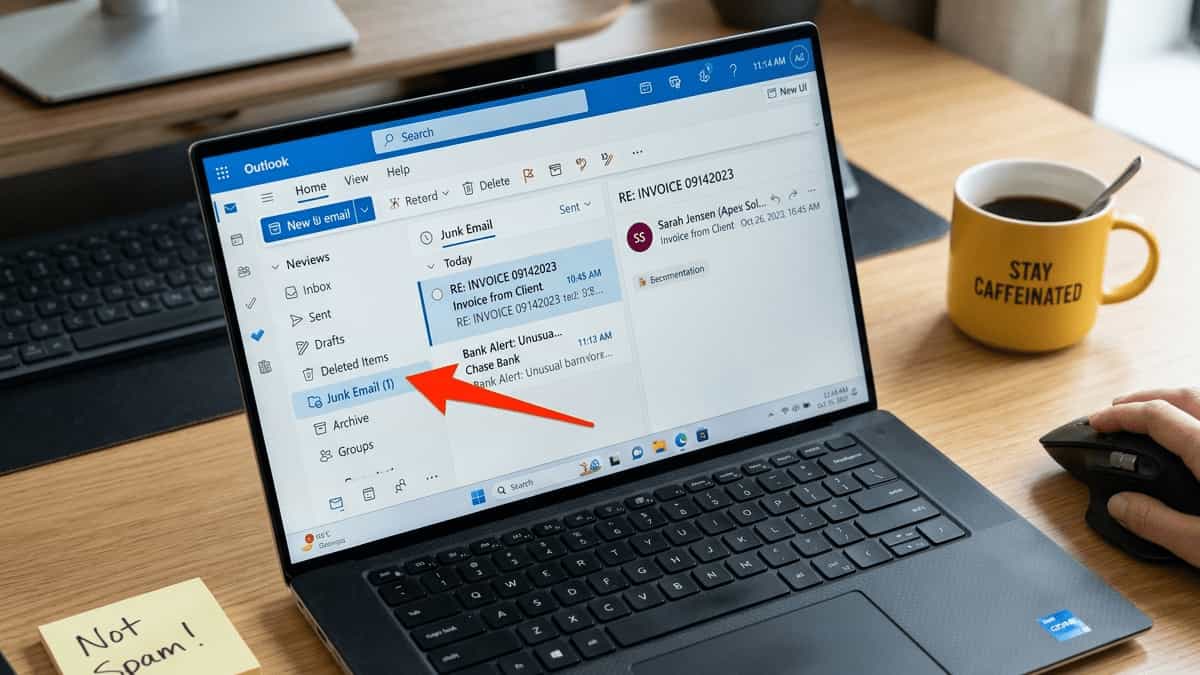
Outlook: Emails Going to Junk Folder

Outlook Junk Email folder containing a legitimate message from a known sender with a confused user nearby

Few things are more frustrating than missing an important email because Outlook mistakenly dropped it into the Junk Email folder. You check your inbox, see nothing, and later discover that a client’s quote, a bank alert, or a colleague’s message was sitting in Junk all along. This guide explains why legitimate emails end up in … Read more

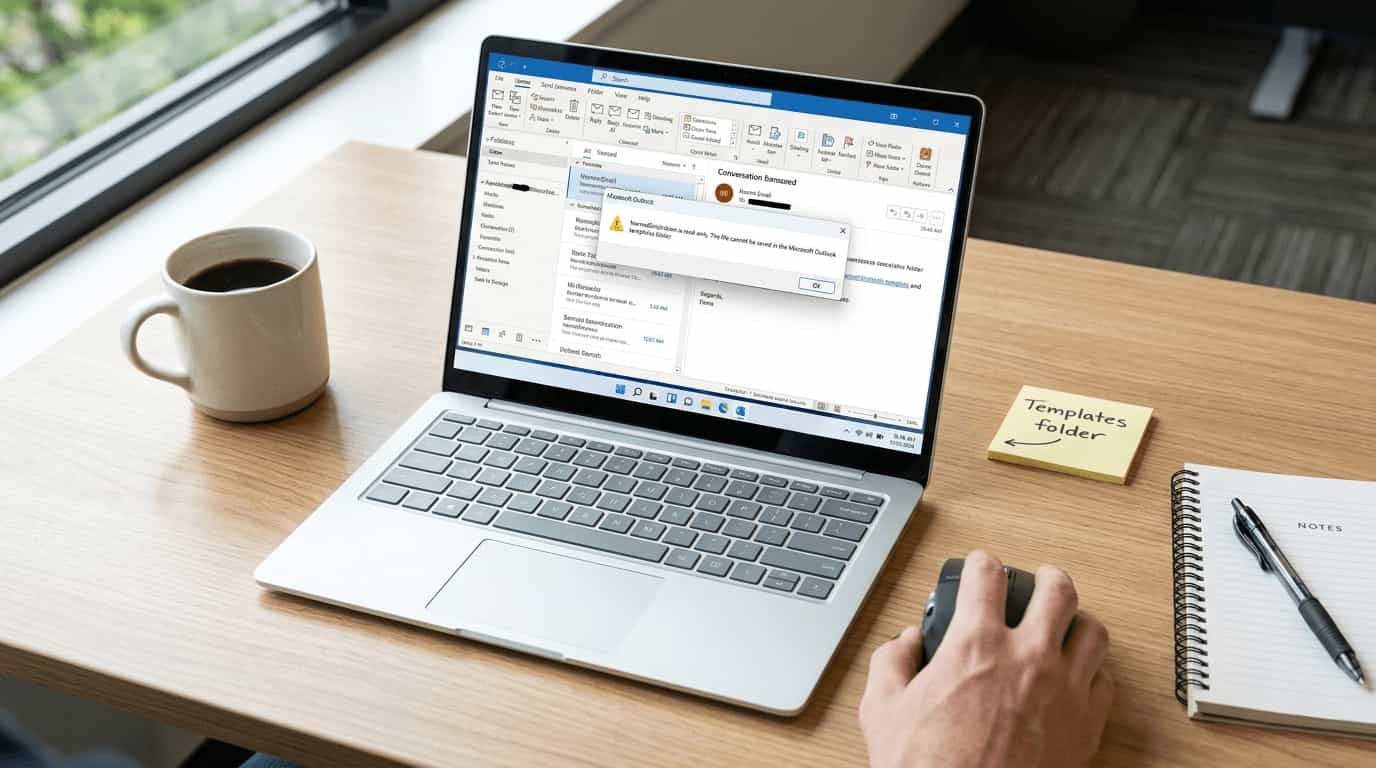
Fix All NormalEmail.dotm Errors in Outlook: The Complete Troubleshooting Guide

Outlook error dialog showing NormalEmail.dotm file problem on laptop screen

If you’ve ever seen a cryptic error about NormalEmail.dotm while using Microsoft Outlook, you’re not alone. This small but critical template file controls your email editor’s default settings, signatures, Quick Parts, and macros. When it becomes corrupted, read‑only, or misconfigured, Outlook can behave unpredictably. Important – Which version of Outlook does this guide apply to?This … Read more

How to Fix WhatsApp Web “Phone Not Connected” Error

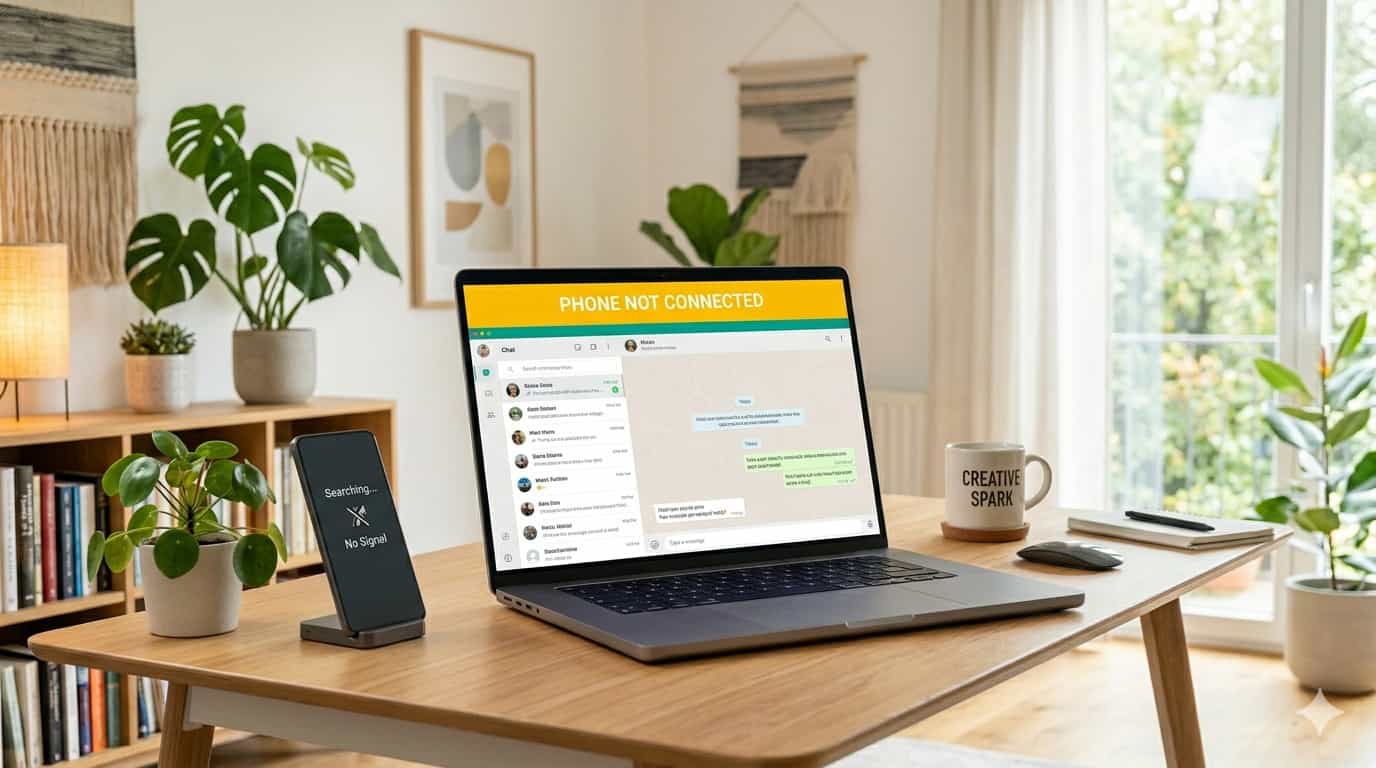
A laptop screen showing a yellow "Phone Not Connected" banner on WhatsApp Web next to a smartphone displaying a "No Signal" message.

Quick Fix Checklist Symptom Primary Solution Yellow “Phone Not Connected” bar Restart your phone and computer Messages not sending from PC Check if your phone is online Syncing fails on multi-device Relink the device in Settings App says “Searching for network” Toggle Airplane Mode or change networks With the rollout of multi-device support, WhatsApp Web … Read more

How to Fix WhatsApp Web Session Expired and Frequent Logouts

A laptop on a wooden desk displaying a "Session Expired" notification and a QR code on the WhatsApp Web interface.

Quick Fix Checklist Symptom Primary Solution “Session Expired” notification Refresh the page and log in again Frequent logouts after closing browser Uncheck “Clear cookies on exit” in browser settings Logged out from all devices Check if your phone’s main SIM is active (India specific) Disconnected every few hours Disable VPN or battery optimization on phone … Read more

Fix: MS Outlook Messages Stuck in Outbox – Emails Won’t Send

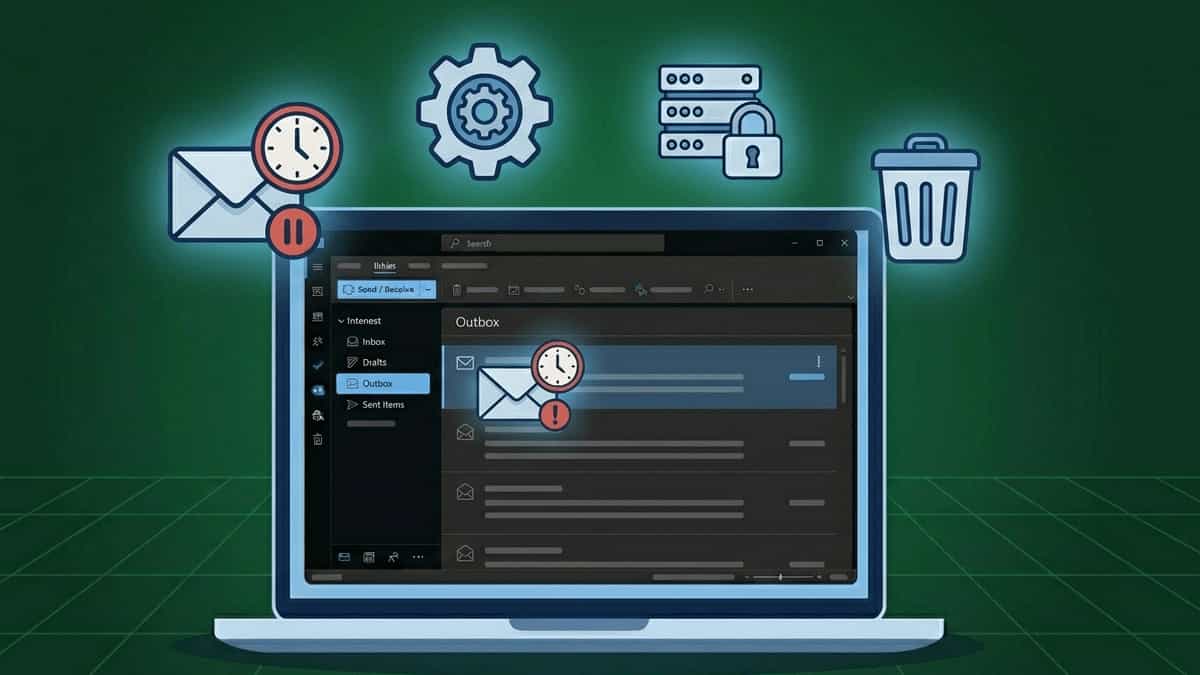
Flat vector illustration of a laptop with Outlook Outbox folder highlighted, surrounded by icons representing stuck email, settings, SMTP server with lock, and trash can on a dark blue grid background

TL;DR: Emails stuck in Outbox usually mean Outlook can’t connect to the outgoing server or the message is corrupted. Try clearing the Outbox, disabling add‑ins, or checking SMTP authentication. Jump to Solution 1. You’ve composed an email, clicked “Send,” but instead of moving to “Sent Items,” the message stays in the Outbox. Sometimes it shows … Read more

Fix: MS Outlook Error 0x800CCC80 – SMTP Authentication Required

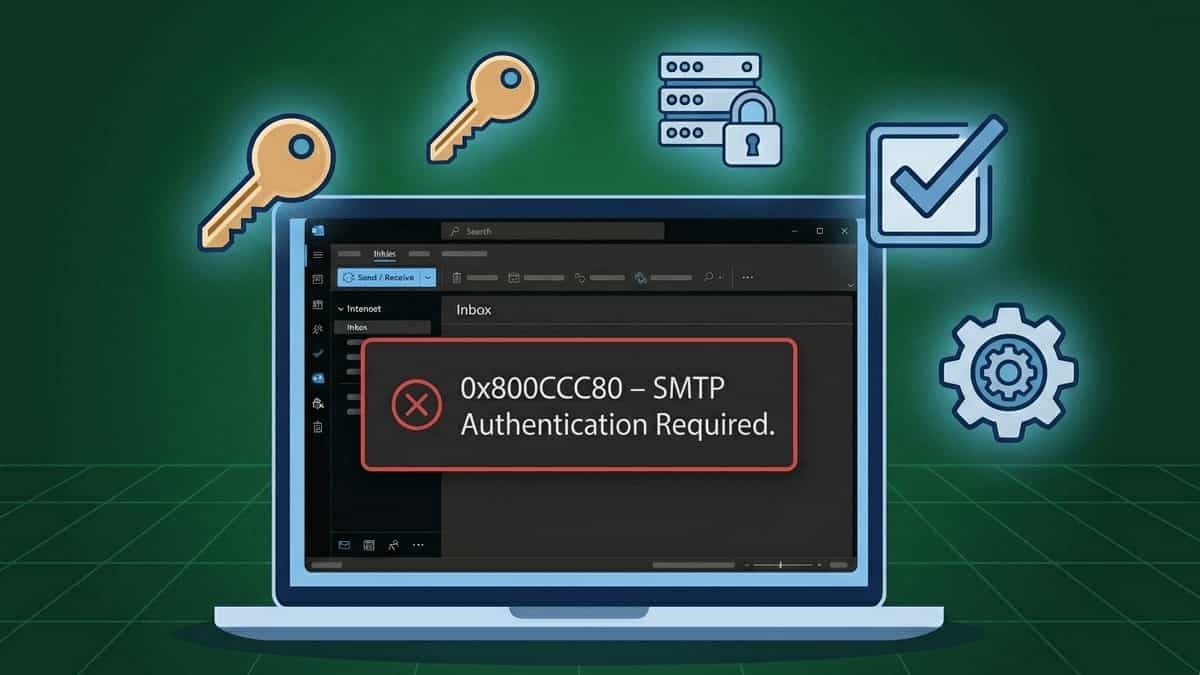
Flat vector illustration of a laptop with Outlook error 0x800CCC80, surrounded by icons representing authentication key, SMTP server with lock, checkmark box, and settings gear on a dark blue grid background

TL;DR: Error 0x800CCC80 means the outgoing mail server rejected your email because authentication was missing or incorrect. The fix is to enable “My outgoing server requires authentication” and verify your login credentials. Jump to Solution 2. You’re trying to send an email, and Outlook throws a frustrating error: “Task ‘your email address’ reported error (0x800CCC80): … Read more

Fix: Outlook “Operation Failed – Object Not Found” When Sending Email

Flat vector illustration of a laptop with Outlook error “The operation failed. An object could not be found,” surrounded by icons representing stuck email, missing object, puzzle piece, and repair tools on a dark blue grid background

TL;DR: This error usually means Outlook can’t locate the item you’re trying to send—often due to a stuck message in the Outbox or profile corruption. Jump to Solution 1 to clear the Outbox. You’ve composed an email, clicked “Send,” and instead of the satisfying swoosh, Outlook throws a cryptic error: “The operation failed. An object … Read more

Fix: MS Outlook Not Sending or Receiving Emails – Complete Guide

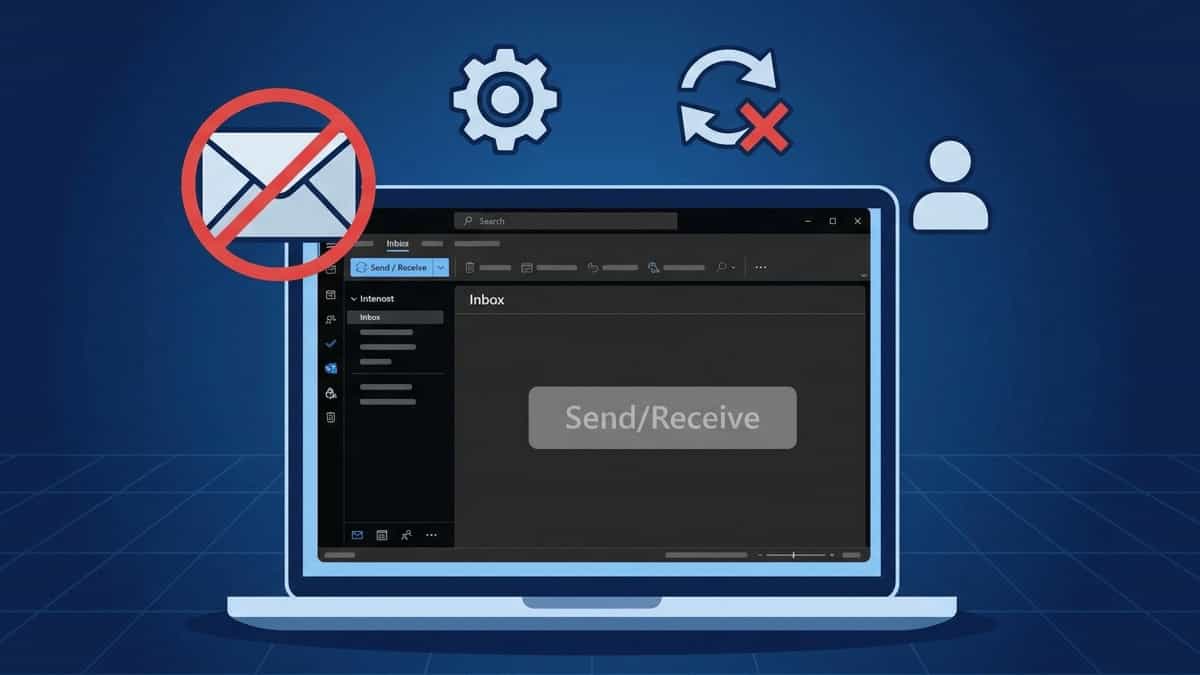
Flat vector illustration of a laptop with Outlook showing blank Inbox and inactive Send/Receive button, surrounded by icons representing blocked email, settings, failed refresh, and profile on a dark blue grid background

TL;DR: MS Outlook can’t send or receive despite internet access. The fix often involves resetting send/receive groups, toggling “Work Offline,” or creating a new profile. Jump to Solution 2. Few things are more alarming than clicking “Send/Receive” and seeing nothing happen—no new emails arrive, your outgoing messages sit in the Outbox, and the status bar … Read more

Fix: MSOutlook Error 0x8004210A – POP Server Timeout

Flat vector illustration of a laptop with Outlook error 0x8004210A, surrounded by timeout clock, POP server, firewall shield, and speedometer icons on a dark blue grid background

TL;DR: Error 0x8004210A means the POP server is not responding quickly enough. The fix is usually increasing the server timeout slider and verifying POP port/encryption (995 with SSL). Jump to Solution 3. When you click “Send/Receive” in Outlook, you expect it to grab your new messages quickly. But sometimes you’re met with a timeout error: … Read more

Fix: MS Outlook Error 0x80042109 – SMTP Connection Failure

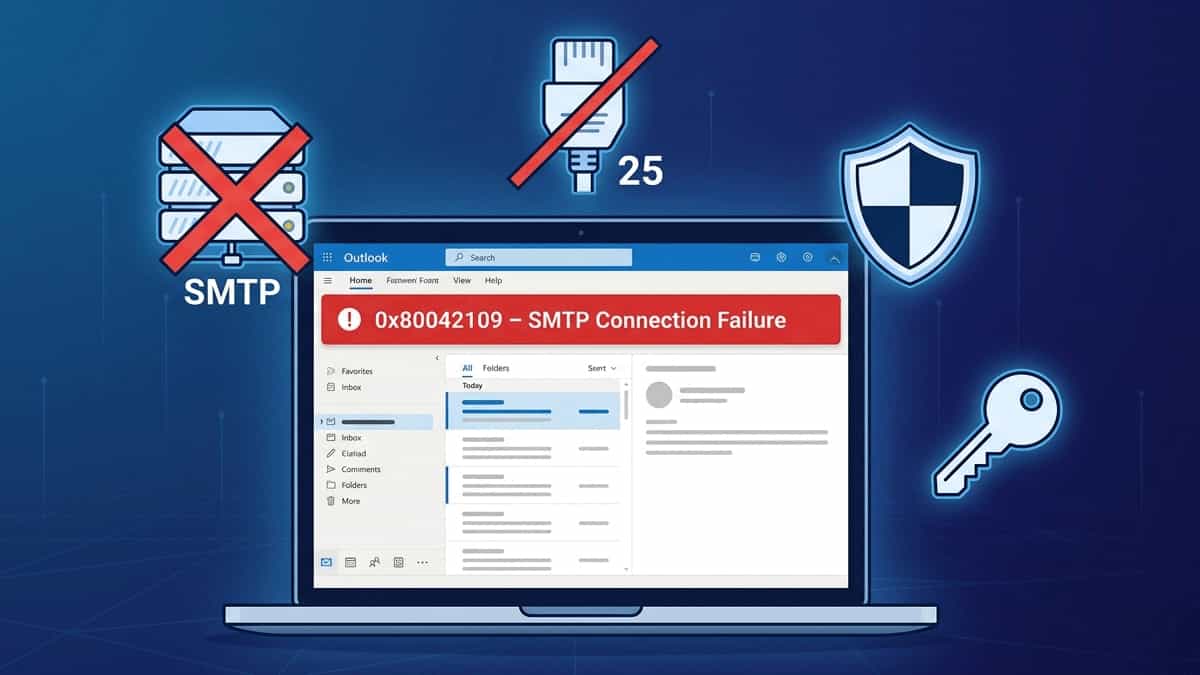
Flat vector illustration of a laptop with Outlook error 0x80042109, surrounded by SMTP server, blocked port 25, firewall shield, authentication key, and OAuth2 badge on a dark blue grid background

TL;DR: Error 0x80042109 means Outlook can’t reach your outgoing mail server. The fix is usually switching to Port 587 with STARTTLS and enabling SMTP authentication (or using an app password/OAuth2). Jump to Solution 3. Few things are more frustrating than being able to receive emails but unable to send them. If you see the error: … Read more

WhatsApp Web Chats Not Syncing – Fix Delayed or Missing Messages

WhatsApp Web on laptop showing no new messages while phone shows unread chats

Quick Summary Fix Method Difficulty When to Use Refresh WhatsApp Web Easy Messages appear after a manual refresh Re‑link Device Medium Chats stop syncing completely; QR code re‑pairing required Check Internet Connection Easy Phone or computer has weak or intermittent Wi‑Fi Update Apps & Browser Easy Outdated versions cause sync failures Clear Browser Cache / … Read more

WhatsApp Web QR Code Won’t Scan – Fix Camera & Screen Issues

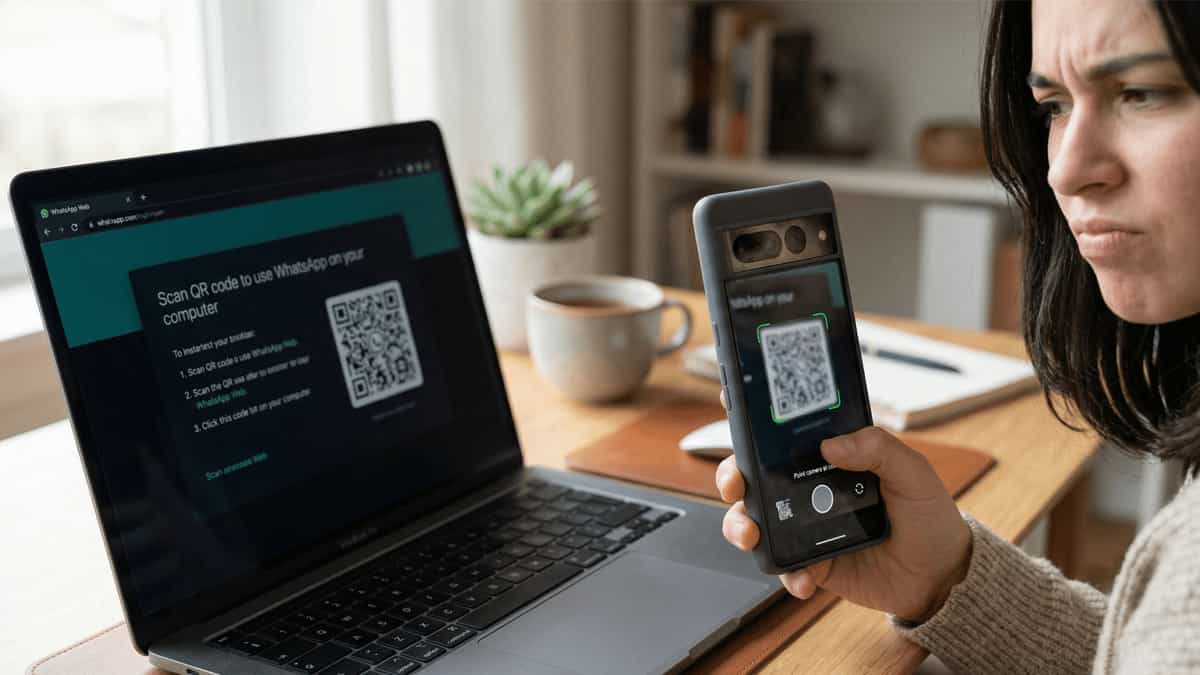
Smartphone camera trying to scan dim WhatsApp Web QR code on laptop screen

Quick Summary Fix Method Difficulty When to Use Increase Screen Brightness Easy QR code is dim or hard to see on computer screen Clean Camera Lens & Adjust Distance Easy Camera image looks blurry or smudged; hold phone 6–10 inches away Check Camera Permissions Medium WhatsApp or browser lacks camera access on phone Refresh QR … Read more

Fix: MS Outlook Runs Slowly or Crashes – Oversized PST File Performance

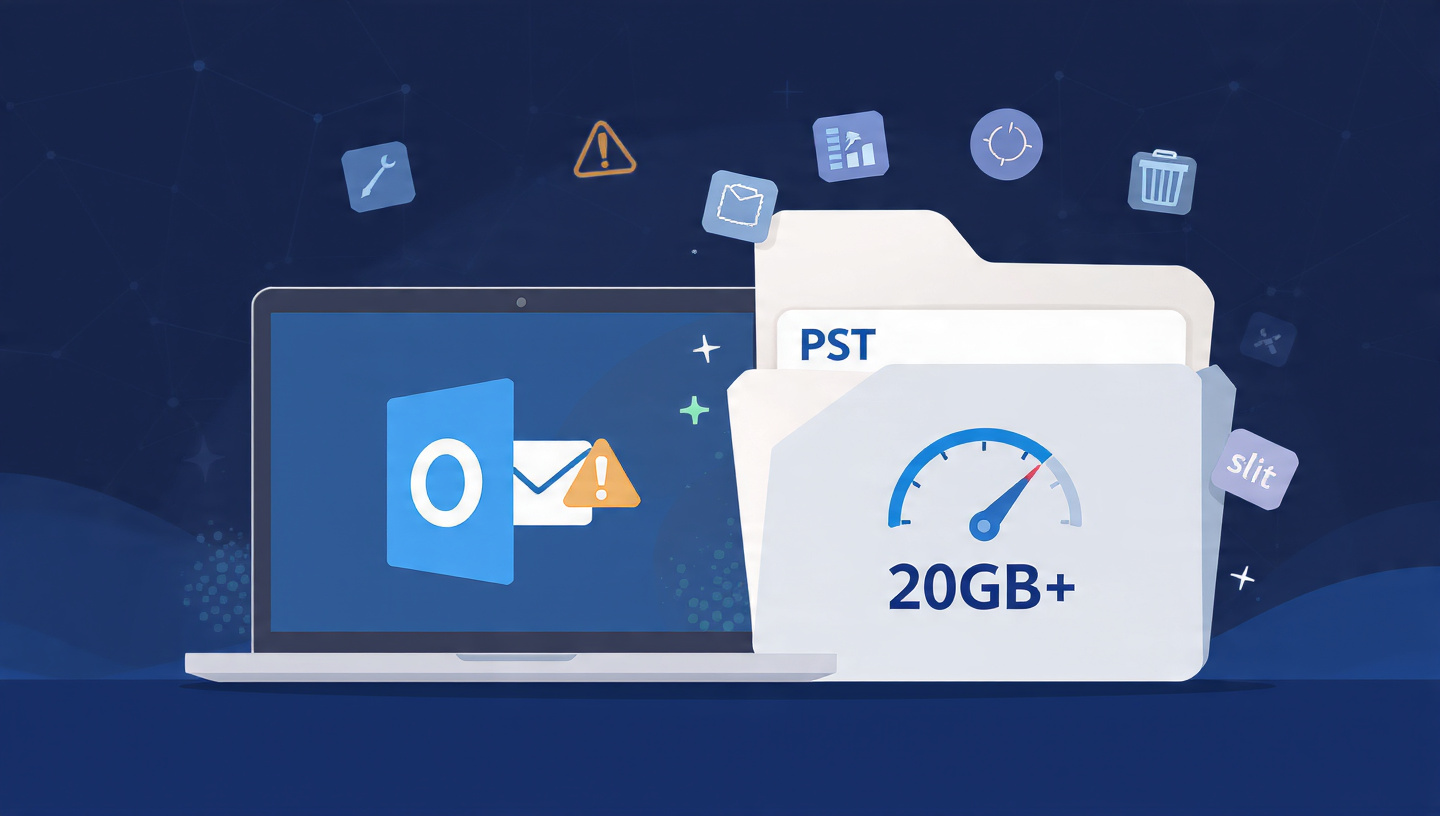
Flat vector illustration of a laptop with Outlook showing slow performance, next to an oversized PST folder with 20GB+ warning, speedometer, and split/compact icons

TL;DR: Outlook performance degrades sharply when your PST file exceeds 20GB. The solution is to compact, split, or archive your data. Jump to Solution 3 to learn how to split your PST file safely. Few things test your patience like a sluggish Outlook—endless “Not Responding” messages, delayed send/receive, and random crashes. If your Outlook has … Read more

Fix: Outlook Error 0x800CCC0F – Server Connection Interrupted

Flat vector illustration of a laptop with Outlook error 0x800CCC0F, surrounded by broken connection, server warning, firewall, and timeout icons on a dark blue grid background

TL;DR: Error 0x800CCC0F means the connection to your mail server was lost mid‑operation. Often caused by unstable networks, firewall blocks, or server timeouts. Jump to Solution 4 to check your ports and encryption. Few email errors are as disruptive as the sudden “Server Connection Interrupted” message. You’re in the middle of sending or receiving, and … Read more

Fix: Outlook Error 0x800CCC0E – “Cannot Connect to Server”

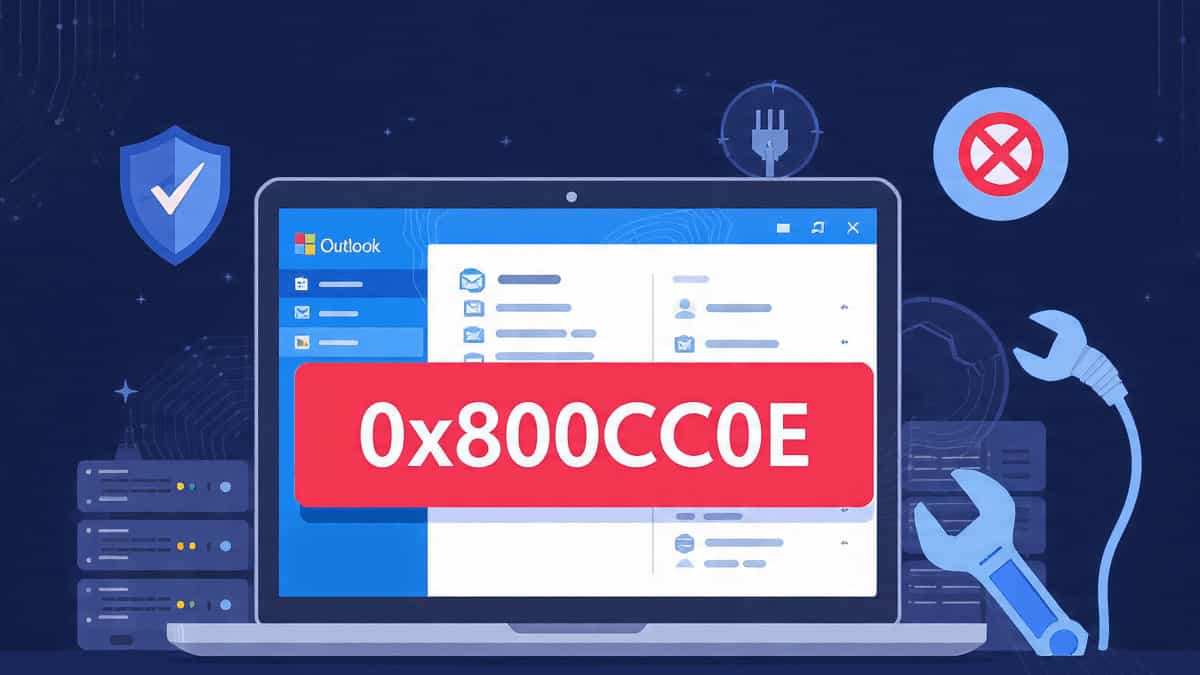
Flat vector illustration showing a laptop with Outlook displaying error 0x800CCC0E, surrounded by icons representing firewall, server, network plug, and wrench on a dark blue grid background

TL;DR: Error 0x800CCC0E usually means Outlook can’t reach your mail server. Start by checking your internet connection and disabling your antivirus temporarily. Jump to Solution 4 to verify your server settings. Few things are as frustrating as clicking “Send/Receive” in Outlook only to be met with the error: “Task ‘your email address’ reported error (0x800CCC0E): … Read more