Fix: “A Required Authentication Broker is Missing” in Outlook & Microsoft 365
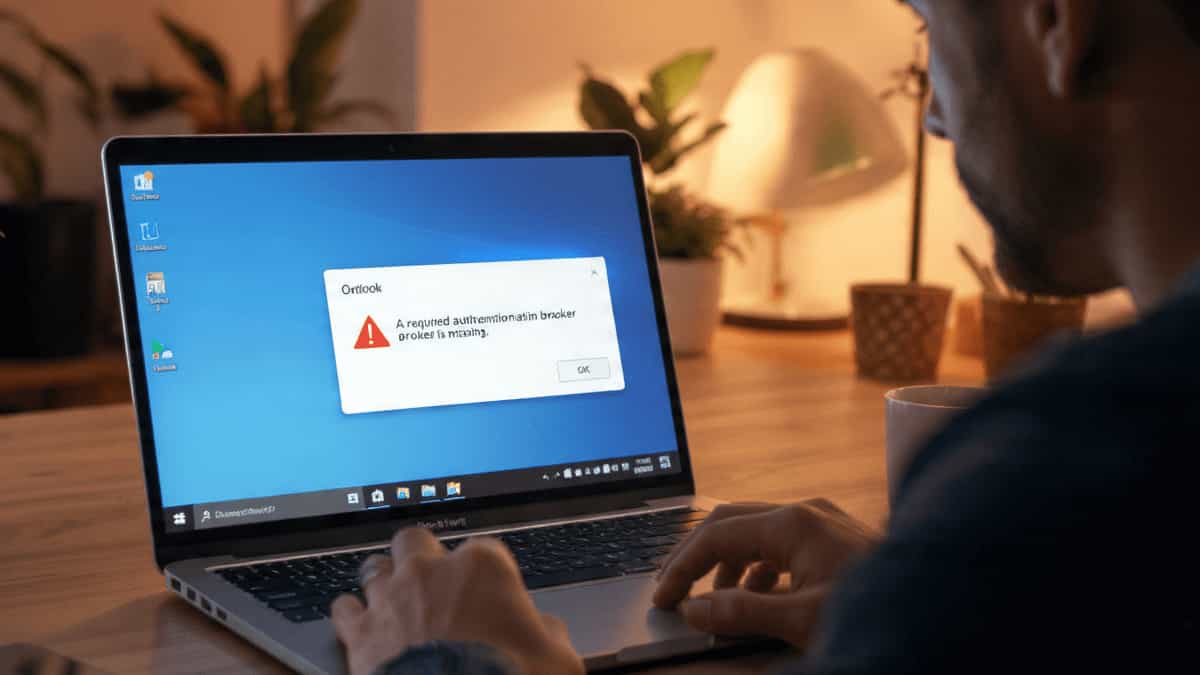
A laptop screen displaying the Microsoft Outlook error message A required authentication broker is missing in a home office setting.

TL;DR: The most common fix is re‑registering the AAD Broker Plugin via PowerShell. Jump straight to Solution 3 to get back into Outlook quickly. If you’re staring at the error “A required authentication broker is missing” while trying to sign in to the Outlook desktop app, you’re not alone. This issue has been frustrating Microsoft … Read more


Fix: Unable to Share or View a Shared Calendar in MS Outlook

Two colleagues in a professional office looking at a blank Microsoft Outlook shared calendar on a monitor, illustrating common calendar permission and sync issues.

Sharing calendars in MS Outlook is essential for team collaboration, but it’s notorious for “permission denied” errors or calendars that simply appear blank. Whether you can’t send an invite or you’ve accepted one that won’t open, the issue usually stems from permission mismatches, sync settings, or a glitchy Autodiscover service. Here is how to fix … Read more

Fix: MS Outlook Subfolders Restored But Empty of Past Emails

A user looking at an empty Outlook subfolder on a computer screen, illustrating the common issue where folder names appear but historical emails are missing due to sync or cache settings.

It’s a huge relief to finally restore your missing Outlook folders, only to be met with a new frustration: the folders are there, but they are completely empty. If your historical emails have vanished from your subfolders, don’t worry—they are almost certainly still safe on the mail server. This issue is usually caused by a … Read more

Fix: MS Outlook Folders Disappeared (Only Inbox Visible)

A person looking stressed at a computer screen showing Microsoft Outlook with a missing sidebar and only the Inbox folder visible, representing a common folder hierarchy display issue.

Opening Microsoft Outlook only to find your Sent Items, Drafts, and Custom Folders have vanished is a heart-stopping moment. If your sidebar only shows the Inbox, don’t panic—your data is almost certainly still there; Outlook is likely having a display or synchronization “glitch.” This usually happens due to a corrupted Navigation Pane, hidden IMAP folders, … Read more

How to Fix MAPI Error (0x8007000C) in Microsoft Outlook

A computer monitor displaying a Microsoft Outlook MAPI Error 0x8007000C notification in a professional office setting, representing technical troubleshooting for email connectivity.

Encountering the “MAPI Error (0x8007000C): A MAPI-related error occurs” in Outlook can be a major disruption. This specific error indicates that the Mail Application Programming Interface (MAPI)—the middleman between Outlook and your Windows system—has encountered invalid data or a broken connection. This typically stems from a corrupted Outlook profile, a damaged data file, or a … Read more

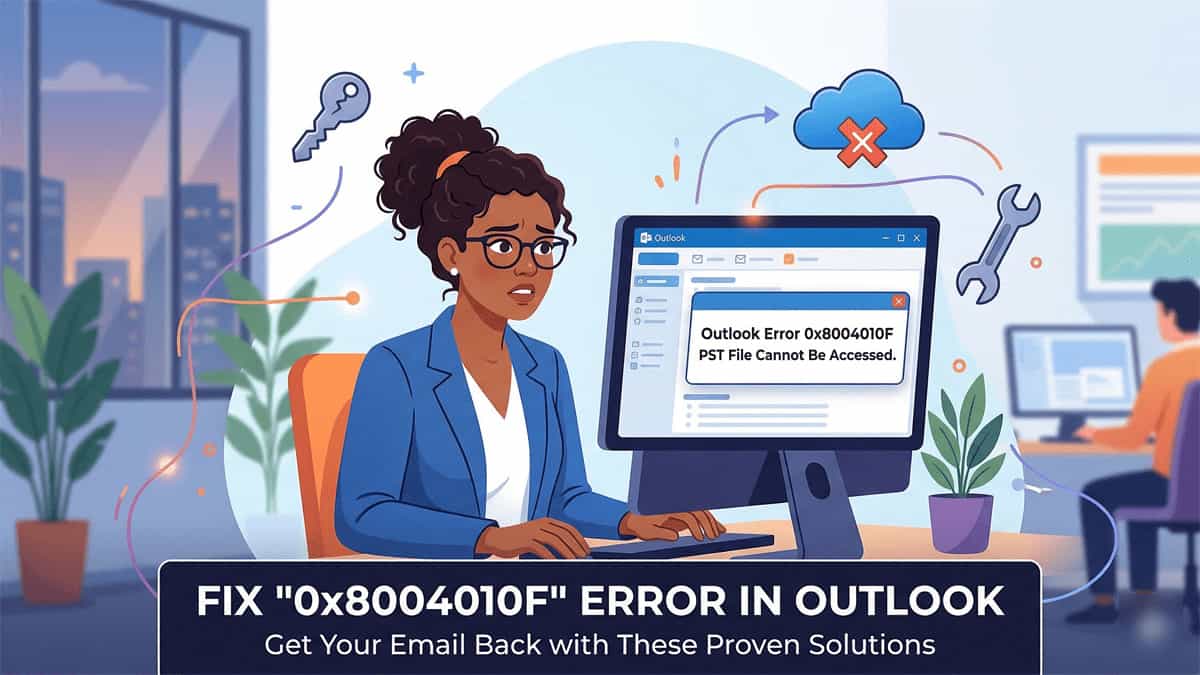
Fix “PST File Cannot Be Accessed (0x8004010F)” Error in Outlook

Frustrated woman in office looking at Outlook Error 0x8004010F message on her computer screen. A banner below reads: FIX '0x8004010F' ERROR IN OUTLOOK - Get Your Email Back with These Proven Solutions. Includes a graphic of a cloud and an "X" representing OneDrive sync issues.

Encountering the 0x8004010F error in Outlook is a common but frustrating roadblock. Usually, it appears with one of two messages: This error essentially means Outlook has lost the “map” to your data file. While it can happen after a system update, the most frequent cause today is OneDrive automatically syncing and moving your “Documents” folder. … Read more

Convert CSV to Excel: Safe, Free, and Easy Ways (No Risky Tools Needed)

Safe CSV to Excel Conversion Methods

CSV files are great for lightweight data, but for powerful editing and analysis, Excel is king. Whether you’re working with downloaded reports or exported data, converting CSV to Excel is simple—and you don’t need risky online tools to do it safely. Here’s how to convert CSV to Excel using secure, built-in methods, step-by-step: âś… 1. … Read more

How to disable all countries and only allow India – OpenCart 3

How to disable Countries in Opencart Through MySql

Note: Status = 0 [Means Disable]Status = 1 [Means Enabled] Login to phpmyadmin Select your Database. Click on SQL Tab and Run this code: UPDATE ocdemo_country SET status = 0 WHERE country_id <> 99;UPDATE ocdemo_zone SET status = 0 WHERE country_id <> 99; “ocdemo_” is database prefix. Change according to your installed OpenCart database prefix. … Read more

What is NormalEmail.dotm in Outlook

What is NormalEmail.dotm in Outlook

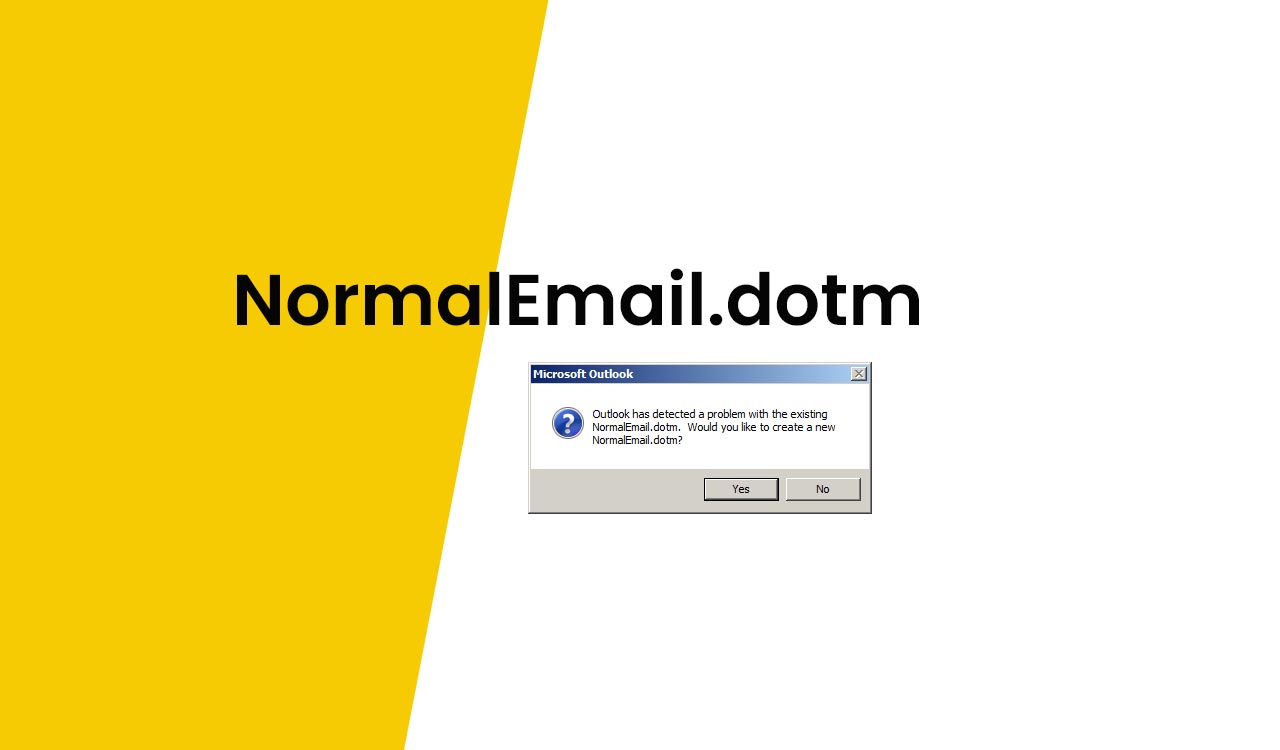
If you got the following error message: “Outlook has detected a problem with the existing NormalEmail.dotm. Would you like to create a new NormalEmail.dotm?“ The NormalEmail.dotm is the default template file for email editing. that is related to the screen which comes up when you click on New Mail Message. Just select “Yes”. You should … Read more