Outlook: Emails Going to Junk Folder

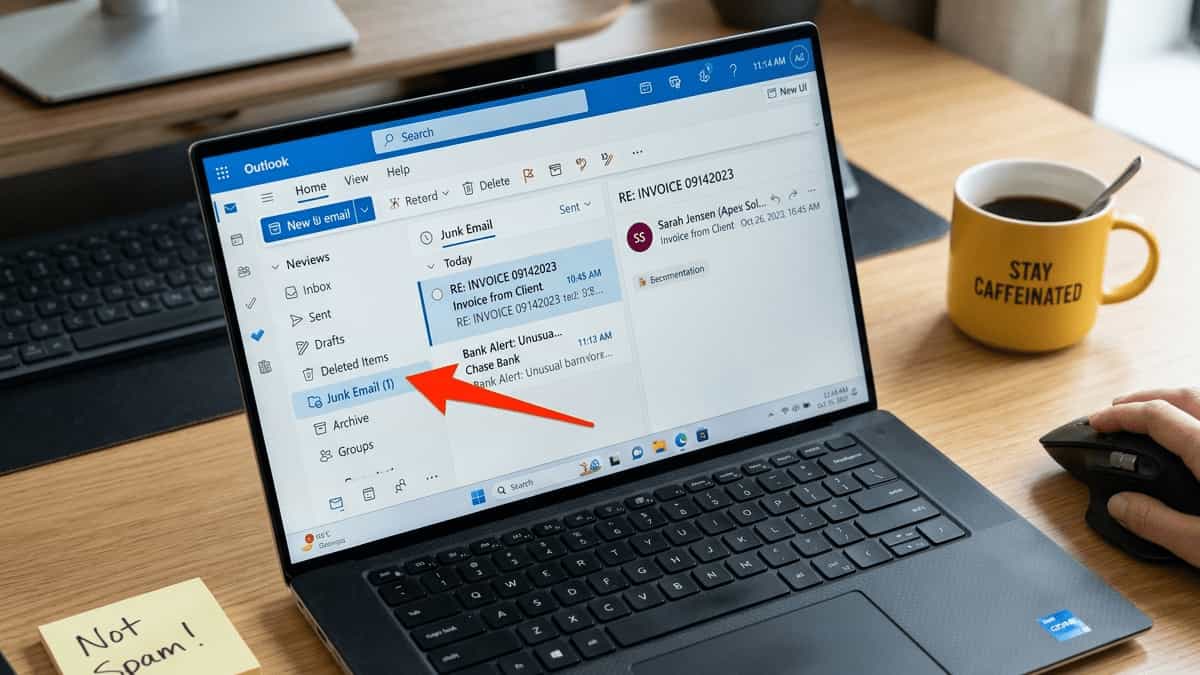
Outlook Junk Email folder containing a legitimate message from a known sender with a confused user nearby

Few things are more frustrating than missing an important email because Outlook mistakenly dropped it into the Junk Email folder. You check your inbox, see nothing, and later discover that a client’s quote, a bank alert, or a colleague’s message was sitting in Junk all along. This guide explains why legitimate emails end up in … Read more
Fix: MS Outlook Messages Stuck in Outbox – Emails Won’t Send

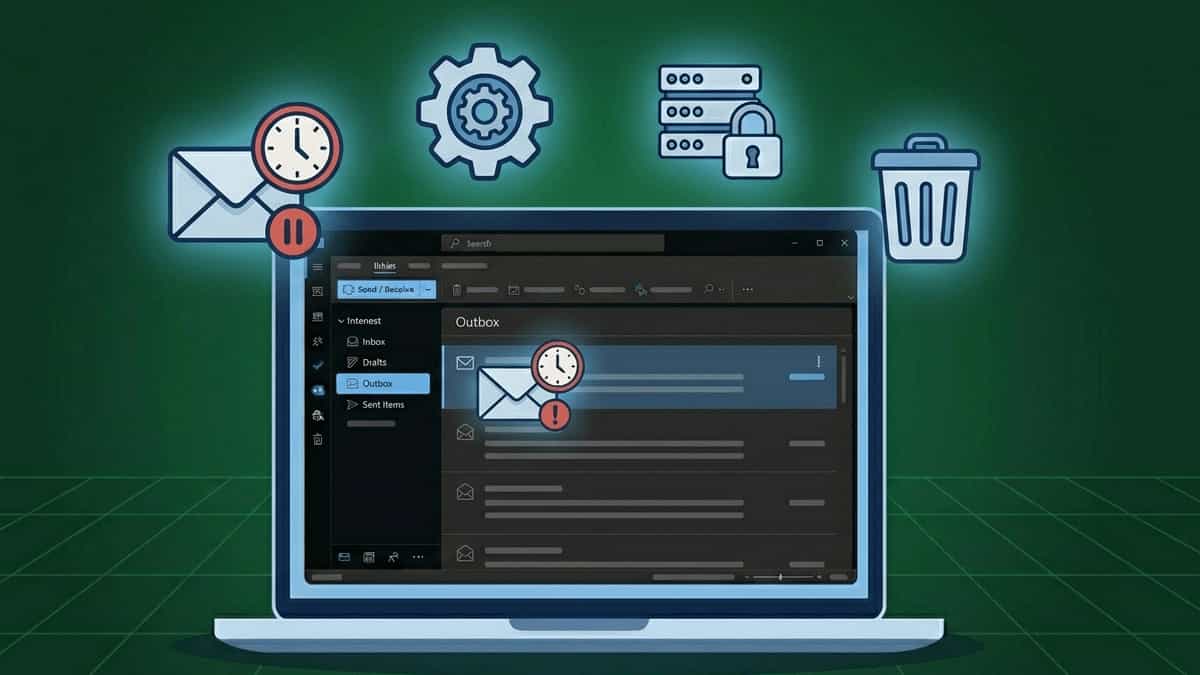
Flat vector illustration of a laptop with Outlook Outbox folder highlighted, surrounded by icons representing stuck email, settings, SMTP server with lock, and trash can on a dark blue grid background

TL;DR: Emails stuck in Outbox usually mean Outlook can’t connect to the outgoing server or the message is corrupted. Try clearing the Outbox, disabling add‑ins, or checking SMTP authentication. Jump to Solution 1. You’ve composed an email, clicked “Send,” but instead of moving to “Sent Items,” the message stays in the Outbox. Sometimes it shows … Read more

Fix: MS Outlook Error 0x800CCC80 – SMTP Authentication Required

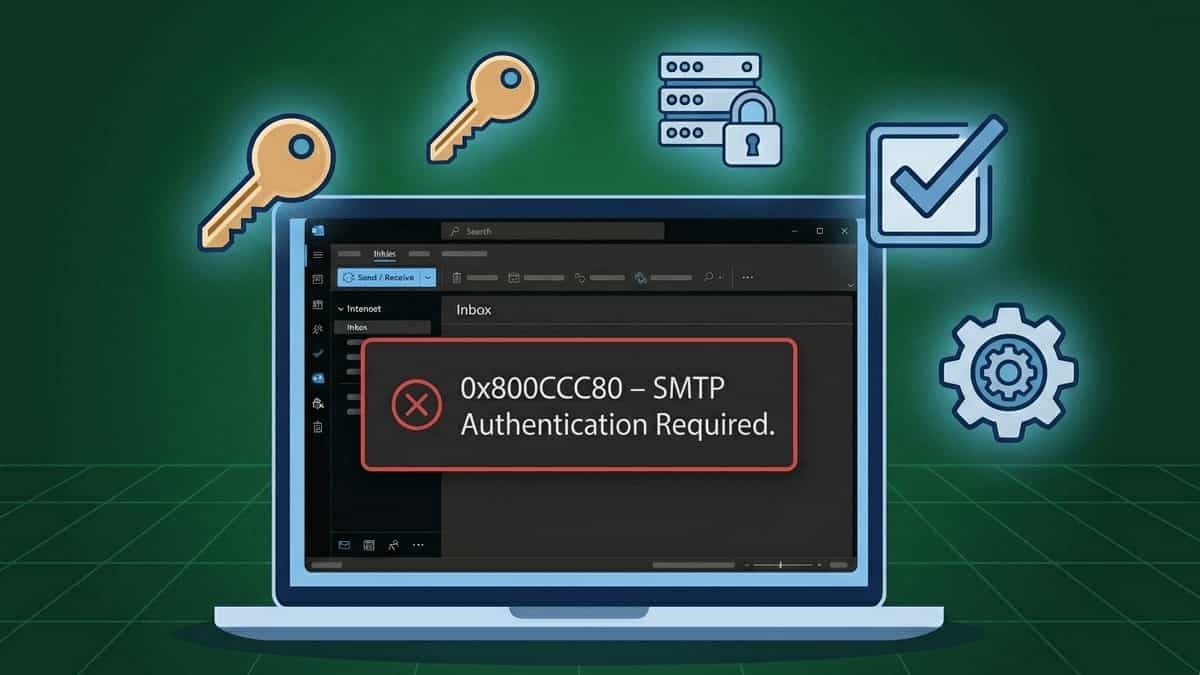
Flat vector illustration of a laptop with Outlook error 0x800CCC80, surrounded by icons representing authentication key, SMTP server with lock, checkmark box, and settings gear on a dark blue grid background

TL;DR: Error 0x800CCC80 means the outgoing mail server rejected your email because authentication was missing or incorrect. The fix is to enable “My outgoing server requires authentication” and verify your login credentials. Jump to Solution 2. You’re trying to send an email, and Outlook throws a frustrating error: “Task ‘your email address’ reported error (0x800CCC80): … Read more

Fix: Outlook “Operation Failed – Object Not Found” When Sending Email

Flat vector illustration of a laptop with Outlook error “The operation failed. An object could not be found,” surrounded by icons representing stuck email, missing object, puzzle piece, and repair tools on a dark blue grid background

TL;DR: This error usually means Outlook can’t locate the item you’re trying to send—often due to a stuck message in the Outbox or profile corruption. Jump to Solution 1 to clear the Outbox. You’ve composed an email, clicked “Send,” and instead of the satisfying swoosh, Outlook throws a cryptic error: “The operation failed. An object … Read more

Fix: MS Outlook Not Sending or Receiving Emails – Complete Guide

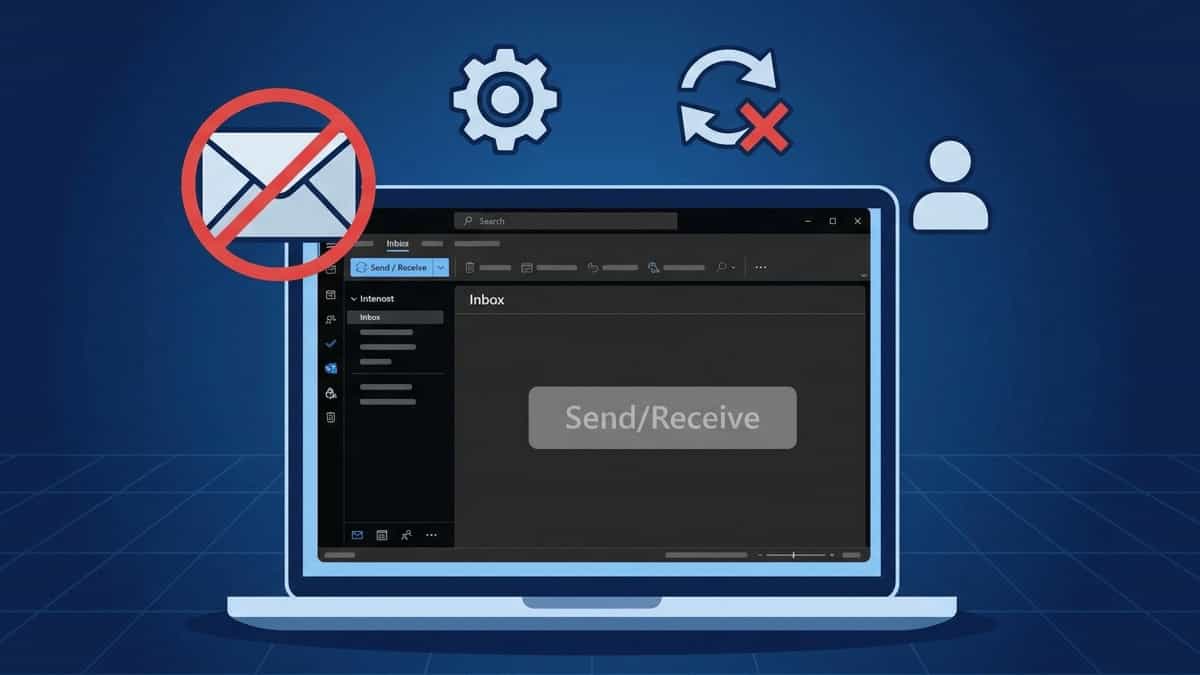
Flat vector illustration of a laptop with Outlook showing blank Inbox and inactive Send/Receive button, surrounded by icons representing blocked email, settings, failed refresh, and profile on a dark blue grid background

TL;DR: MS Outlook can’t send or receive despite internet access. The fix often involves resetting send/receive groups, toggling “Work Offline,” or creating a new profile. Jump to Solution 2. Few things are more alarming than clicking “Send/Receive” and seeing nothing happen—no new emails arrive, your outgoing messages sit in the Outbox, and the status bar … Read more

Fix: MSOutlook Error 0x8004210A – POP Server Timeout

Flat vector illustration of a laptop with Outlook error 0x8004210A, surrounded by timeout clock, POP server, firewall shield, and speedometer icons on a dark blue grid background

TL;DR: Error 0x8004210A means the POP server is not responding quickly enough. The fix is usually increasing the server timeout slider and verifying POP port/encryption (995 with SSL). Jump to Solution 3. When you click “Send/Receive” in Outlook, you expect it to grab your new messages quickly. But sometimes you’re met with a timeout error: … Read more

Fix: MS Outlook Error 0x80042109 – SMTP Connection Failure

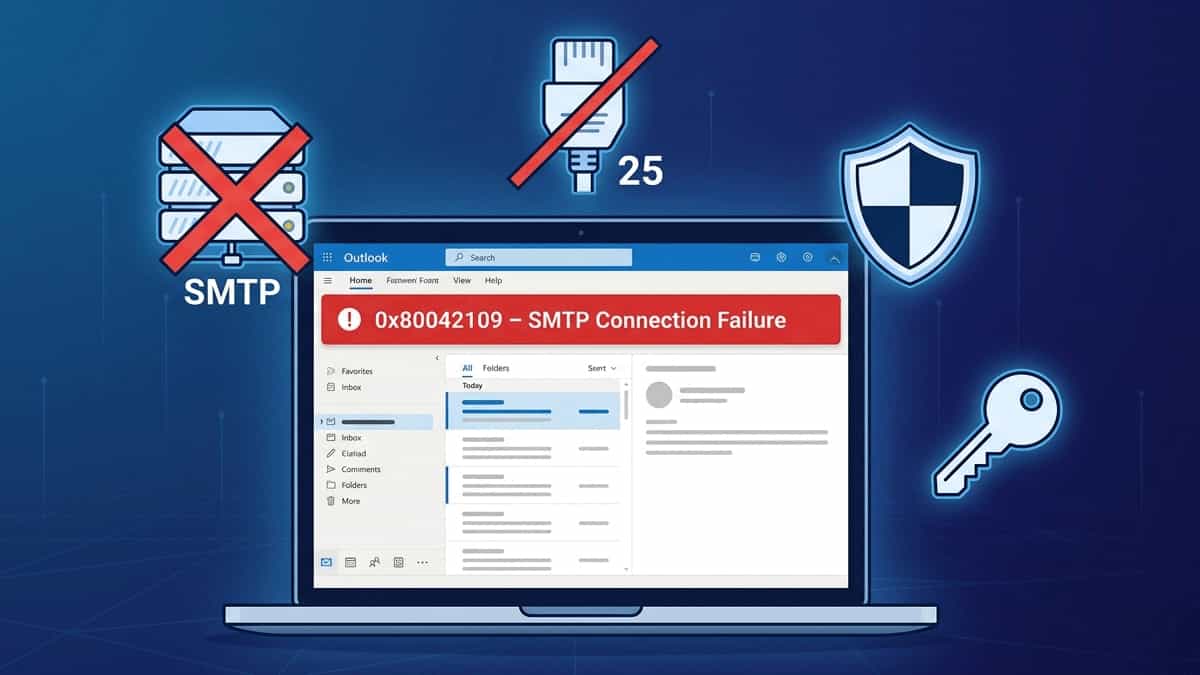
Flat vector illustration of a laptop with Outlook error 0x80042109, surrounded by SMTP server, blocked port 25, firewall shield, authentication key, and OAuth2 badge on a dark blue grid background

TL;DR: Error 0x80042109 means Outlook can’t reach your outgoing mail server. The fix is usually switching to Port 587 with STARTTLS and enabling SMTP authentication (or using an app password/OAuth2). Jump to Solution 3. Few things are more frustrating than being able to receive emails but unable to send them. If you see the error: … Read more

Fix: Unable to Share or View a Shared Calendar in MS Outlook

Two colleagues in a professional office looking at a blank Microsoft Outlook shared calendar on a monitor, illustrating common calendar permission and sync issues.

Sharing calendars in MS Outlook is essential for team collaboration, but it’s notorious for “permission denied” errors or calendars that simply appear blank. Whether you can’t send an invite or you’ve accepted one that won’t open, the issue usually stems from permission mismatches, sync settings, or a glitchy Autodiscover service. Here is how to fix … Read more

Fix: MS Outlook Subfolders Restored But Empty of Past Emails

A user looking at an empty Outlook subfolder on a computer screen, illustrating the common issue where folder names appear but historical emails are missing due to sync or cache settings.

It’s a huge relief to finally restore your missing Outlook folders, only to be met with a new frustration: the folders are there, but they are completely empty. If your historical emails have vanished from your subfolders, don’t worry—they are almost certainly still safe on the mail server. This issue is usually caused by a … Read more

Fix: MS Outlook Folders Disappeared (Only Inbox Visible)

A person looking stressed at a computer screen showing Microsoft Outlook with a missing sidebar and only the Inbox folder visible, representing a common folder hierarchy display issue.

Opening Microsoft Outlook only to find your Sent Items, Drafts, and Custom Folders have vanished is a heart-stopping moment. If your sidebar only shows the Inbox, don’t panic—your data is almost certainly still there; Outlook is likely having a display or synchronization “glitch.” This usually happens due to a corrupted Navigation Pane, hidden IMAP folders, … Read more

How to Fix MAPI Error (0x8007000C) in Microsoft Outlook

A computer monitor displaying a Microsoft Outlook MAPI Error 0x8007000C notification in a professional office setting, representing technical troubleshooting for email connectivity.

Encountering the “MAPI Error (0x8007000C): A MAPI-related error occurs” in Outlook can be a major disruption. This specific error indicates that the Mail Application Programming Interface (MAPI)—the middleman between Outlook and your Windows system—has encountered invalid data or a broken connection. This typically stems from a corrupted Outlook profile, a damaged data file, or a … Read more

Fix “PST File Cannot Be Accessed (0x8004010F)” Error in Outlook

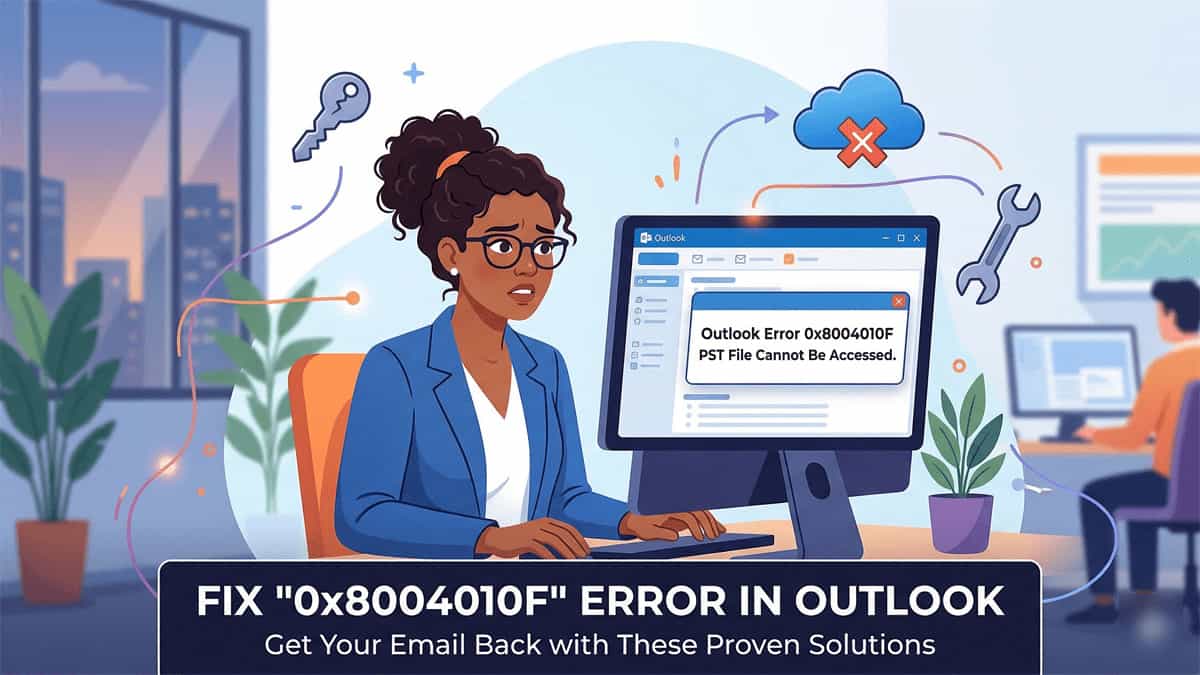
Frustrated woman in office looking at Outlook Error 0x8004010F message on her computer screen. A banner below reads: FIX '0x8004010F' ERROR IN OUTLOOK - Get Your Email Back with These Proven Solutions. Includes a graphic of a cloud and an "X" representing OneDrive sync issues.

Encountering the 0x8004010F error in Outlook is a common but frustrating roadblock. Usually, it appears with one of two messages: This error essentially means Outlook has lost the “map” to your data file. While it can happen after a system update, the most frequent cause today is OneDrive automatically syncing and moving your “Documents” folder. … Read more

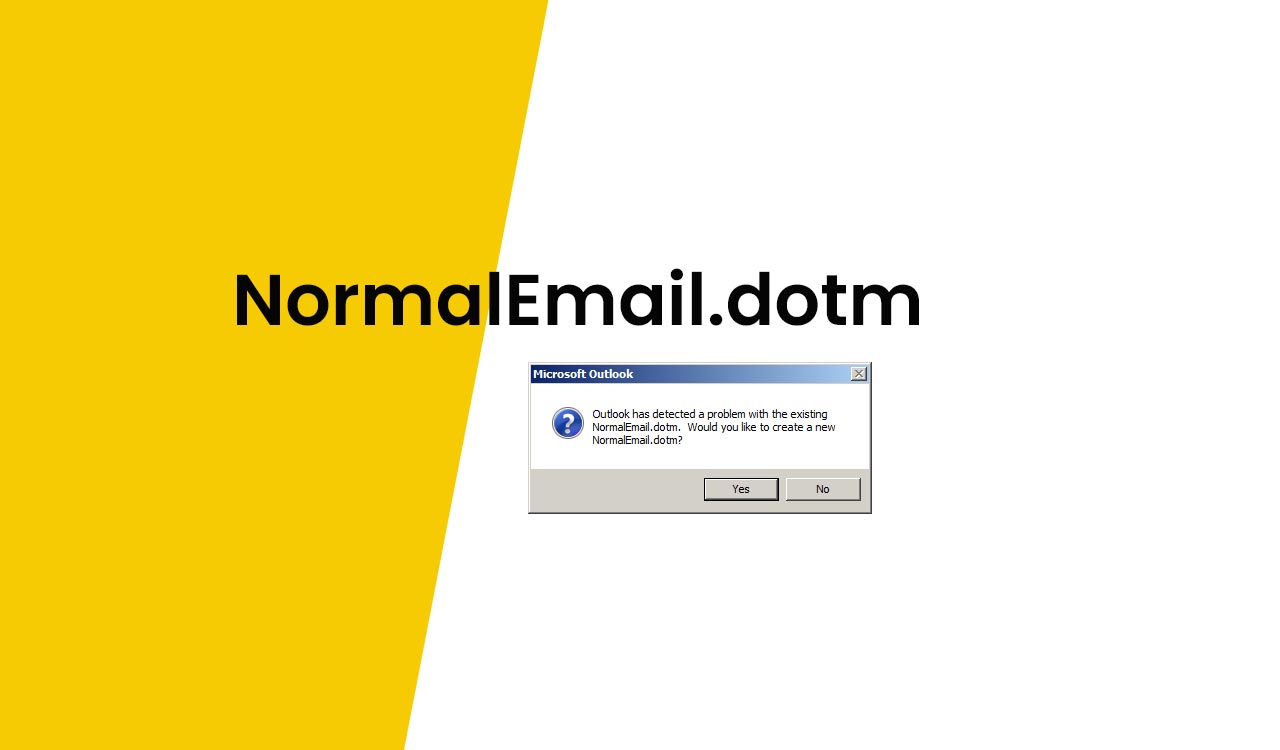
What is NormalEmail.dotm in Outlook

What is NormalEmail.dotm in Outlook

If you got the following error message: “Outlook has detected a problem with the existing NormalEmail.dotm. Would you like to create a new NormalEmail.dotm?“ The NormalEmail.dotm is the default template file for email editing. that is related to the screen which comes up when you click on New Mail Message. Just select “Yes”. You should … Read more