How to Fix WhatsApp Desktop Crashes on macOS Sonoma and Sequoia
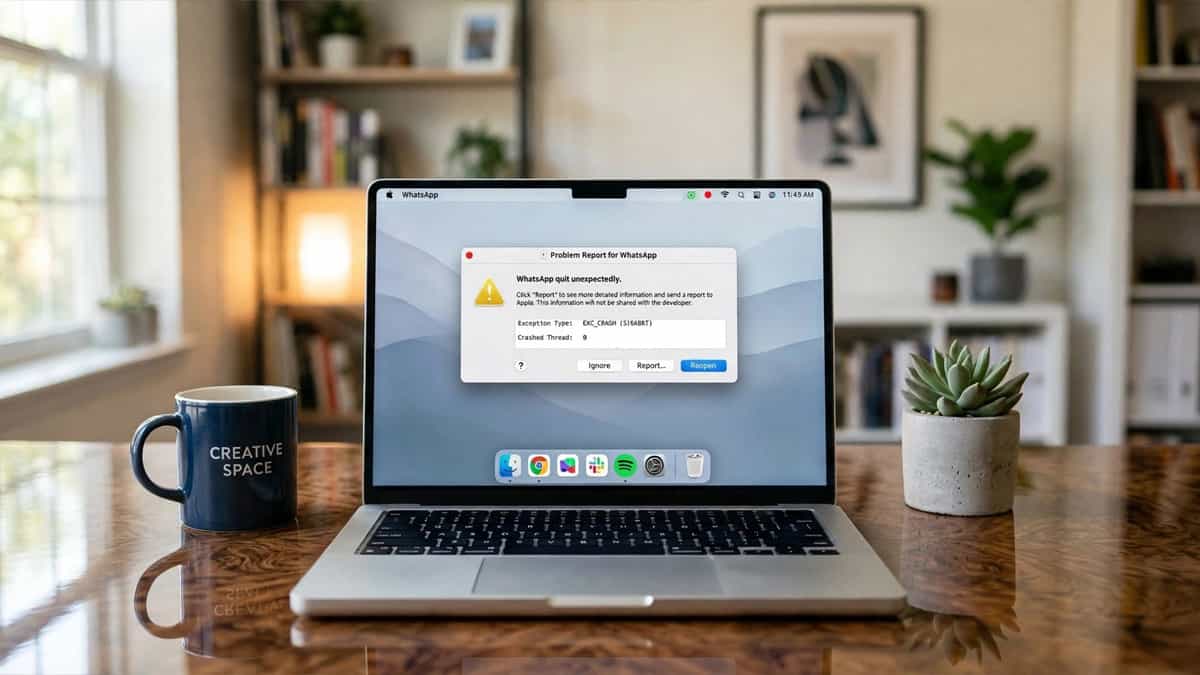
WhatsApp macOS Sonoma Crash

Quick Fix Checklist Symptom Primary Solution App closes immediately on launch Update WhatsApp via the Mac App Store Spinning beachball on startup Delete the “Application Support” folder for WhatsApp Crashes after waking from sleep Turn off “Open at Login” in System Settings Missing menus or visual glitches Reset the app’s PLIST file using Terminal With … Read more
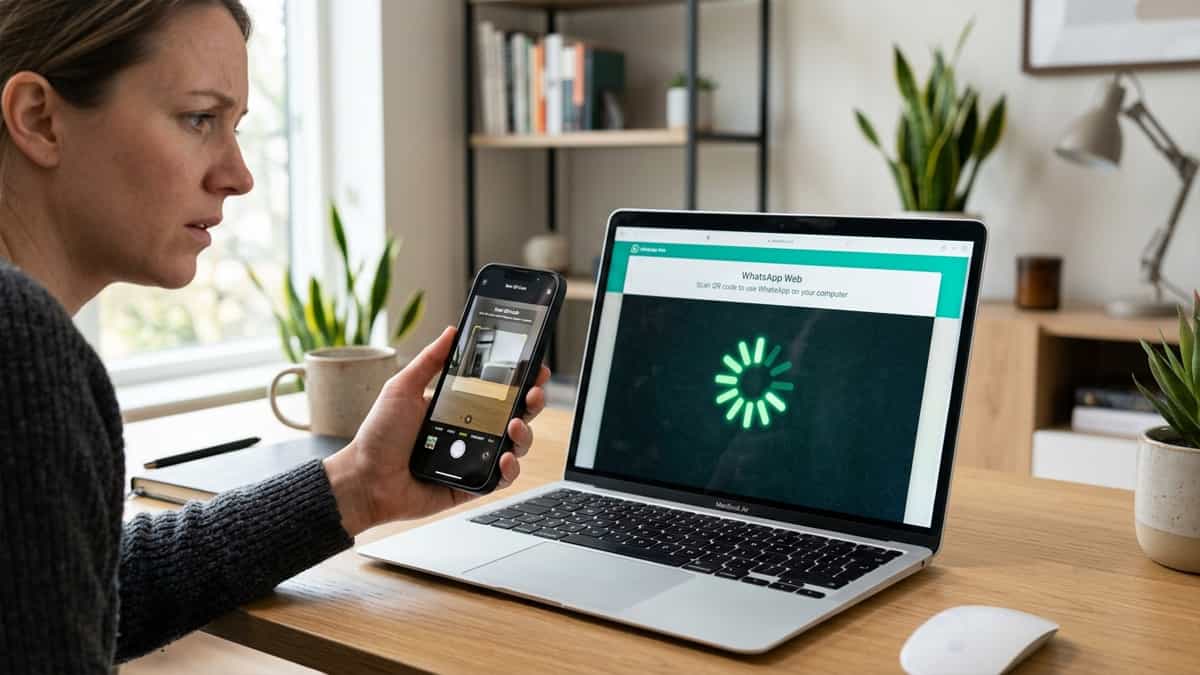
How to Fix WhatsApp Web QR Code Generation Failure and Loading Spinner

WhatsApp Web QR Code Not Loading

Quick Fix Checklist Symptom Primary Solution Spinning circle for the QR code Check your internet connection speed Blank box where the code should be Clear browser site data for whatsapp.com “Retry” button appears immediately Disable “Ad-Blocker” or “Script Blocker” extensions QR code is blurry or distorted Turn off “Dark Mode” or “Invert Colors” browser features … Read more

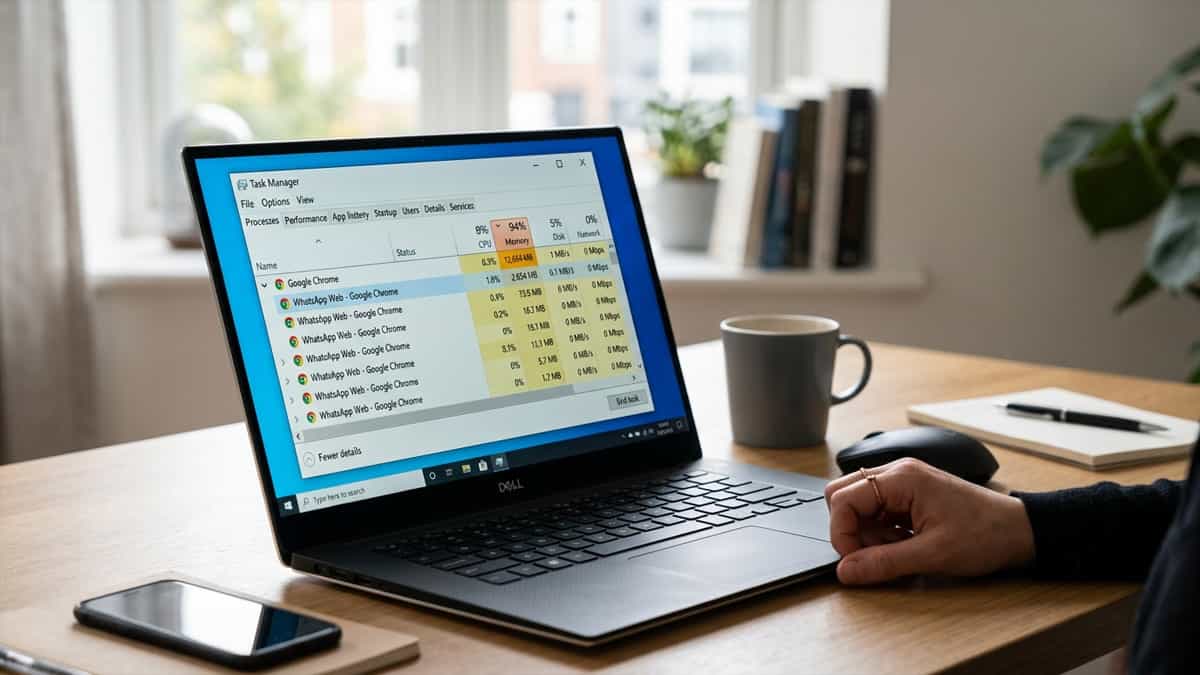
How to Fix WhatsApp Web Windows RAM Overload and Slow Performance

WhatsApp Web Windows RAM Overload

Quick Fix Checklist Symptom Primary Solution Chrome/Edge using 1GB+ RAM Suspend inactive tabs using “Memory Saver” PC fan spinning loudly Turn off “Hardware Acceleration” App lag when typing Clear WhatsApp-specific site data and cache Windows 10/11 “Memory Warning” Use the WhatsApp Desktop app (Direct version) WhatsApp Web is a resource-intensive application. Because it runs complex … Read more

How to Protect Your WhatsApp Web from Session Hijacking and Hackers

WhatsApp Web Session Hijacking

Quick Safety Checklist Threat Primary Defense Unauthorized linked device Regularly check “Linked Devices” on your phone Fake login QR code Only scan QR codes at web.whatsapp.com Phishing via Google Ads Avoid “Sponsored” search results for WhatsApp Logged in on public PC Always click “Log out” before closing the tab WhatsApp Web’s “Multi-Device” feature is incredibly … Read more

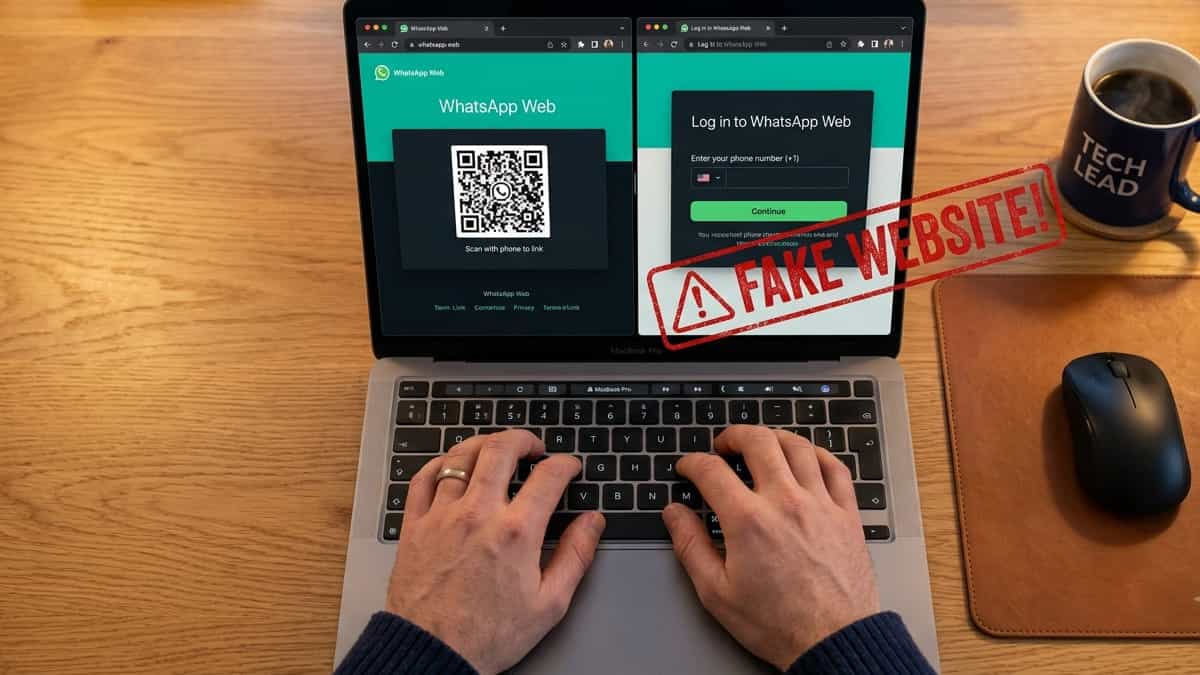
How to Identify Fake WhatsApp Web Phishing Sites and Stay Safe

Fake WhatsApp Web Phishing Sites

Quick Safety Checklist Check Official Site behavior The URL web.whatsapp.com (and only that) Login Method Always shows a QR code, never asks for a phone number first Security Icon Should have a padlock icon in the browser address bar Search Results Beware of “Sponsored” or “Ad” links on Google/Bing WhatsApp Web is a target for … Read more

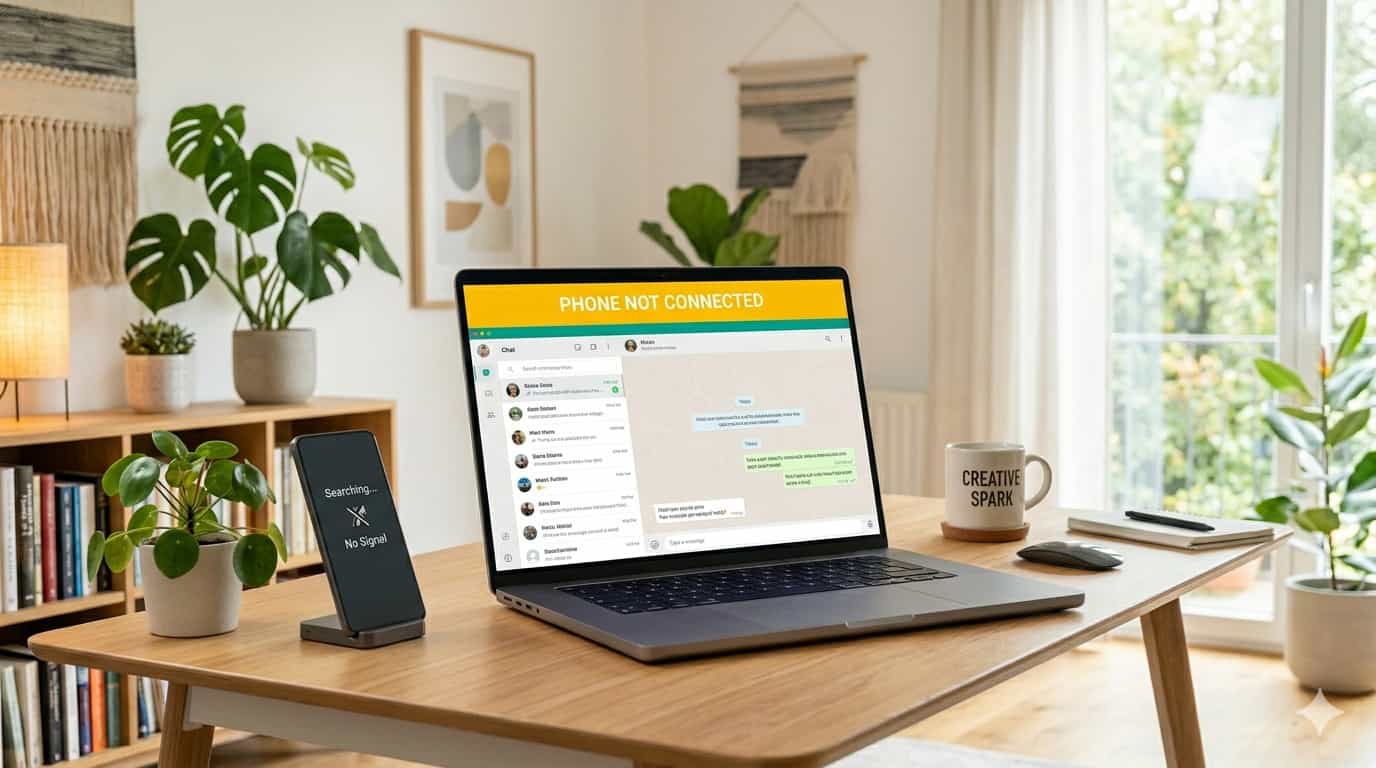
How to Fix WhatsApp Web “Phone Not Connected” Error

A laptop screen showing a yellow "Phone Not Connected" banner on WhatsApp Web next to a smartphone displaying a "No Signal" message.

Quick Fix Checklist Symptom Primary Solution Yellow “Phone Not Connected” bar Restart your phone and computer Messages not sending from PC Check if your phone is online Syncing fails on multi-device Relink the device in Settings App says “Searching for network” Toggle Airplane Mode or change networks With the rollout of multi-device support, WhatsApp Web … Read more

How to Fix WhatsApp Web Session Expired and Frequent Logouts

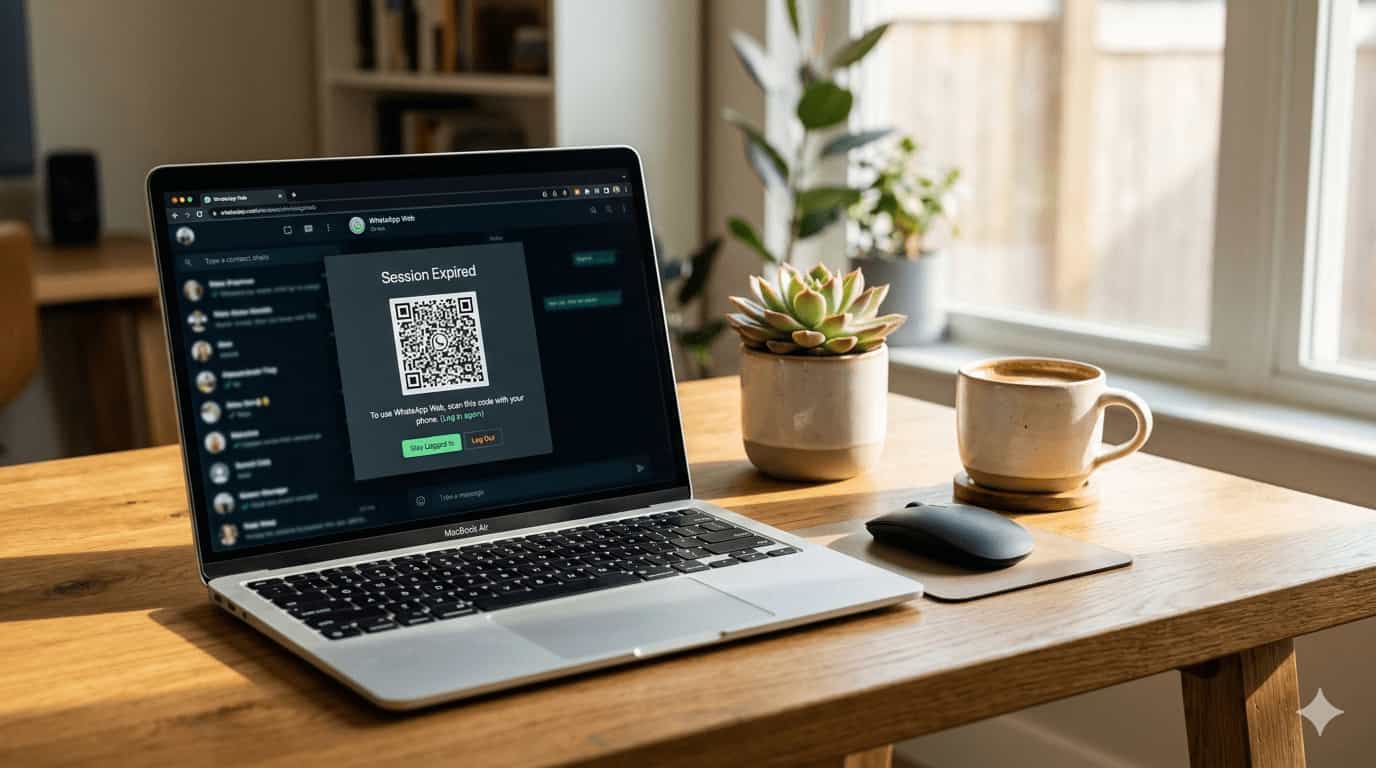
A laptop on a wooden desk displaying a "Session Expired" notification and a QR code on the WhatsApp Web interface.

Quick Fix Checklist Symptom Primary Solution “Session Expired” notification Refresh the page and log in again Frequent logouts after closing browser Uncheck “Clear cookies on exit” in browser settings Logged out from all devices Check if your phone’s main SIM is active (India specific) Disconnected every few hours Disable VPN or battery optimization on phone … Read more

WhatsApp Web Chats Not Syncing – Fix Delayed or Missing Messages

WhatsApp Web on laptop showing no new messages while phone shows unread chats

Quick Summary Fix Method Difficulty When to Use Refresh WhatsApp Web Easy Messages appear after a manual refresh Re‑link Device Medium Chats stop syncing completely; QR code re‑pairing required Check Internet Connection Easy Phone or computer has weak or intermittent Wi‑Fi Update Apps & Browser Easy Outdated versions cause sync failures Clear Browser Cache / … Read more

WhatsApp Web QR Code Won’t Scan – Fix Camera & Screen Issues

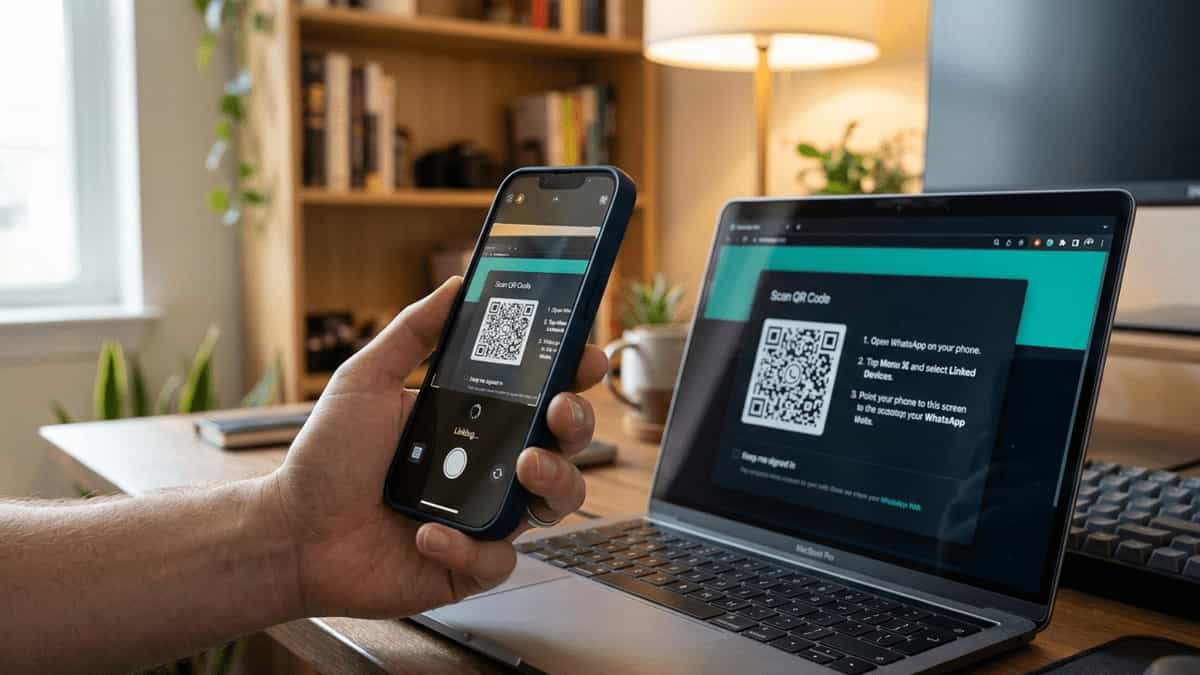
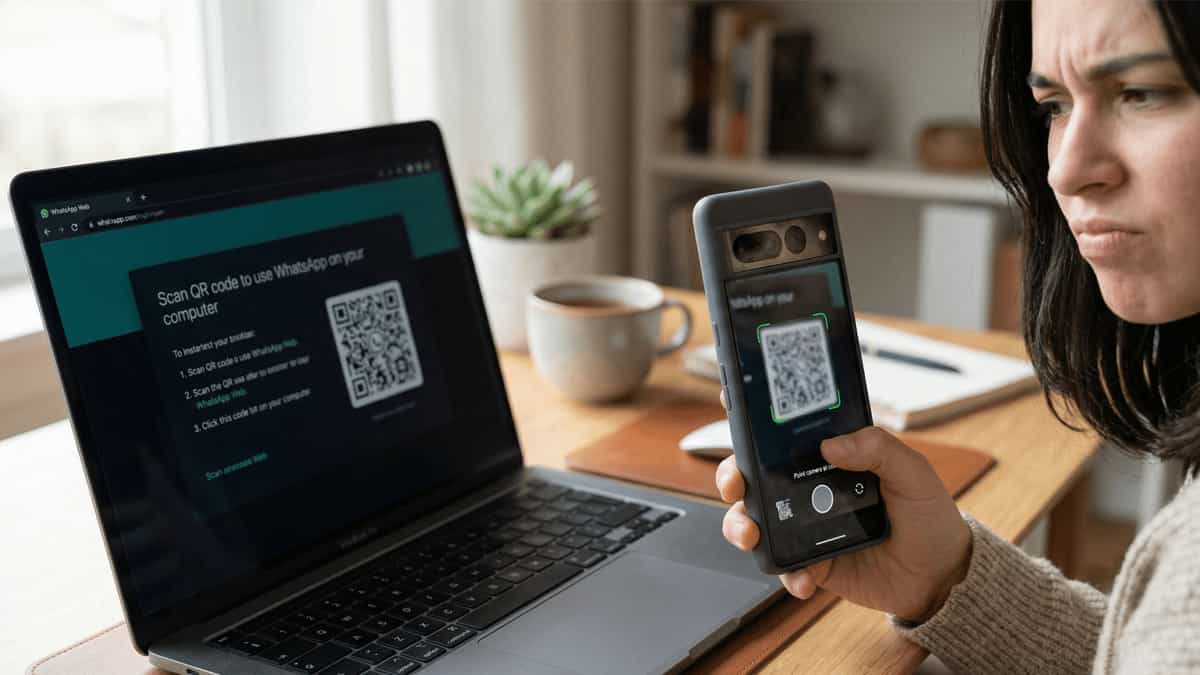
Smartphone camera trying to scan dim WhatsApp Web QR code on laptop screen

Quick Summary Fix Method Difficulty When to Use Increase Screen Brightness Easy QR code is dim or hard to see on computer screen Clean Camera Lens & Adjust Distance Easy Camera image looks blurry or smudged; hold phone 6–10 inches away Check Camera Permissions Medium WhatsApp or browser lacks camera access on phone Refresh QR … Read more