Domain Name Is Already Registered? Here’s What Smart Founders Do

A person looking at a computer screen showing a domain name registration error, with negotiation and creative brand name options around them.

You’ve spent weeks refining your brand name. It’s short, memorable, and perfectly describes what you do. You excitedly type it into a registrar… only to see the dreaded message: “Already taken.” For most entrepreneurs, this is a dead end. For smart founders, it’s the start of a strategic process. Whether you’re dealing with a domain … Read more

Ghost of Tsushima on PS5: 3D Audio Sounding Muffled or Incorrect?

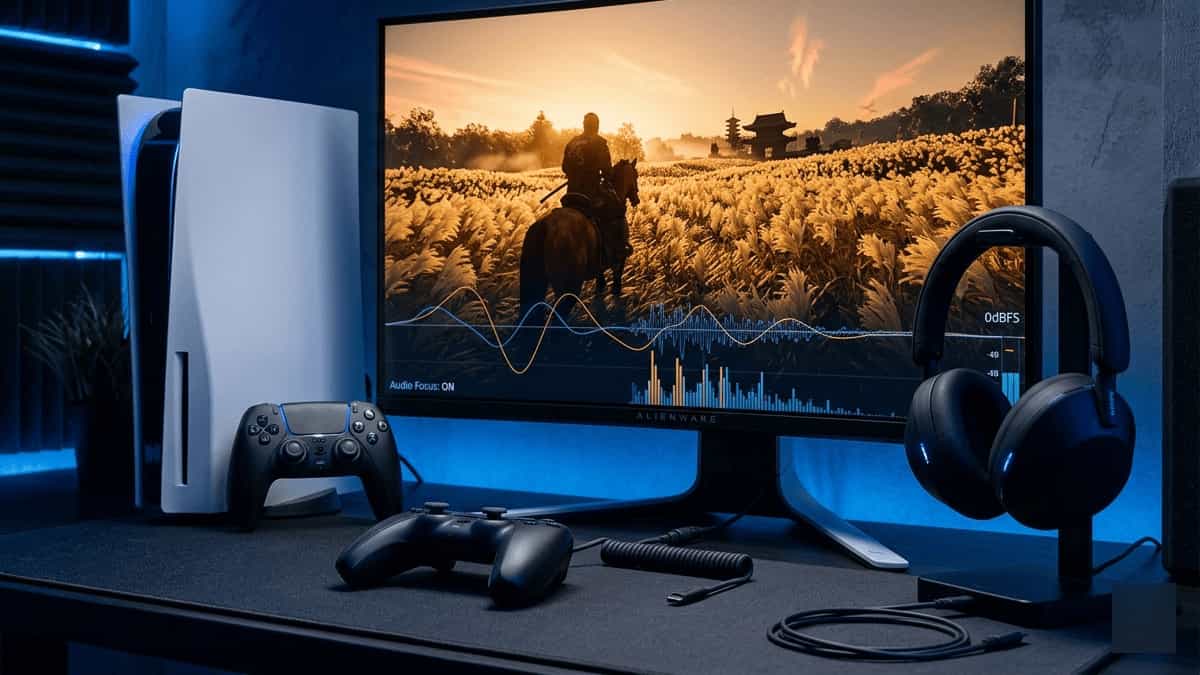
A PS5 controller and headset beside a TV screen showing Ghost of Tsushima gameplay, with a 3D audio visualization overlay.

The PS5’s 3D Audio engine is one of its most immersive features, allowing you to hear the wind in the trees and the direction of Mongol archers with pinpoint accuracy. However, some players experience “Muffled” sound or incorrect directional cues, where the audio feels “Flat” or doesn’t match the visuals on screen. If your 3D … Read more

Fix: MSOutlook Error 0x8004210A – POP Server Timeout

Flat vector illustration of a laptop with Outlook error 0x8004210A, surrounded by timeout clock, POP server, firewall shield, and speedometer icons on a dark blue grid background

TL;DR: Error 0x8004210A means the POP server is not responding quickly enough. The fix is usually increasing the server timeout slider and verifying POP port/encryption (995 with SSL). Jump to Solution 3. When you click “Send/Receive” in Outlook, you expect it to grab your new messages quickly. But sometimes you’re met with a timeout error: … Read more

Fix: MS Outlook Error 0x80042109 – SMTP Connection Failure

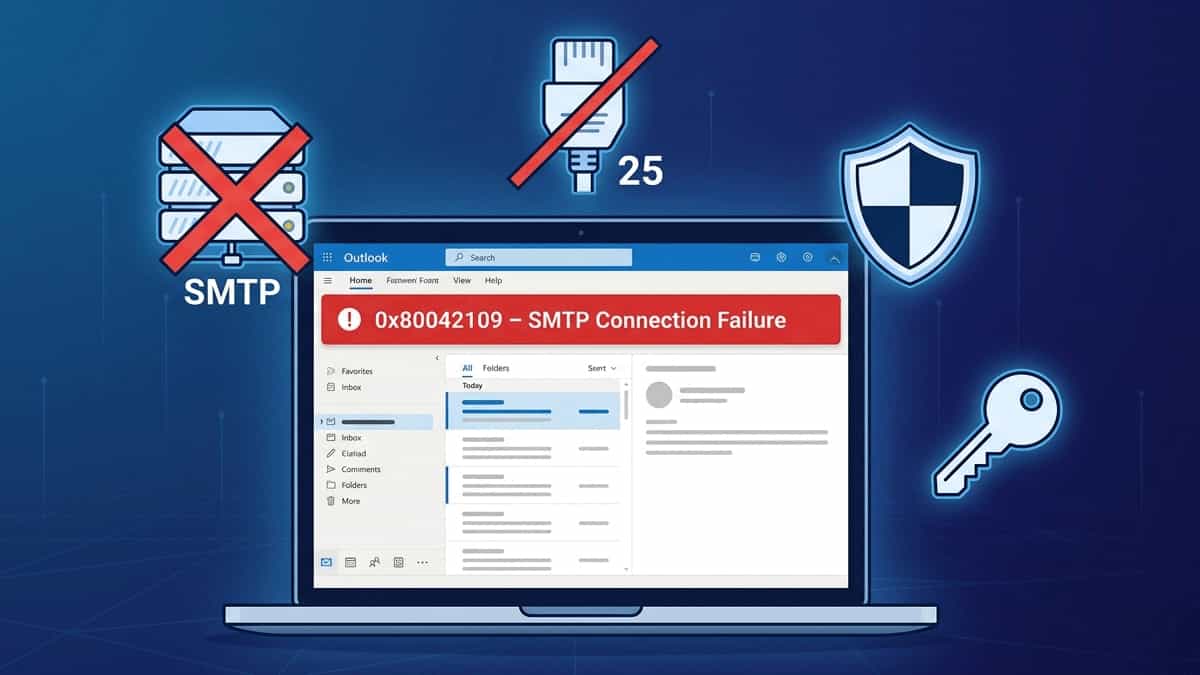
Flat vector illustration of a laptop with Outlook error 0x80042109, surrounded by SMTP server, blocked port 25, firewall shield, authentication key, and OAuth2 badge on a dark blue grid background

TL;DR: Error 0x80042109 means Outlook can’t reach your outgoing mail server. The fix is usually switching to Port 587 with STARTTLS and enabling SMTP authentication (or using an app password/OAuth2). Jump to Solution 3. Few things are more frustrating than being able to receive emails but unable to send them. If you see the error: … Read more

PS5 Error CE-108262-9: Here’s How to Fix the System Software or Application Data Read Error

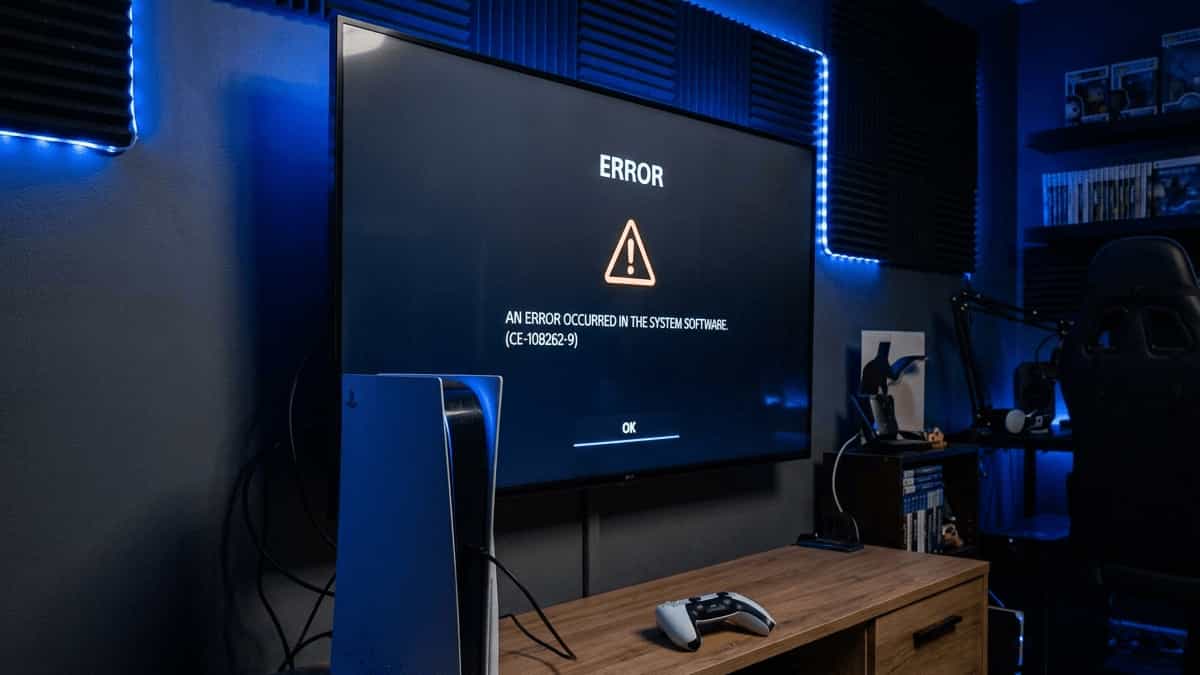
PS5 error CE-108262-9 on screen with PlayStation 5 console and controller setup

If your PS5 is throwing CE-108262-9, you are dealing with one of the more serious error codes. While it often looks like a simple glitch, it can sometimes point to deeper system instability. According to PlayStation Support, this error means an error occurred while reading the system software or application data. In plain English, your … Read more

Categories Fix

PS5 Error WS-116332-6: Account Access Prohibited or Temporarily Unavailable? Here’s How to Fix It

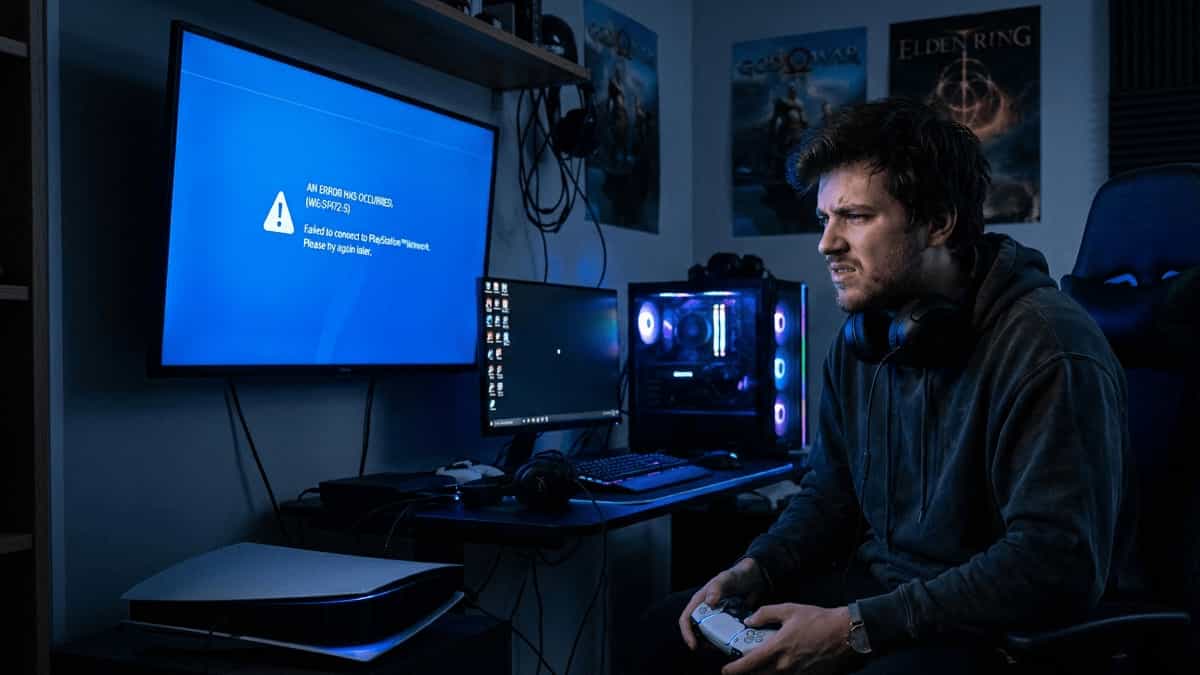
Frustrated gamer holding PS5 controller looking at PlayStation error WS-116332-6 account access prohibited screen

Encountering an error code on your PlayStation 5 can be frustrating, but seeing WS-116332-6 is particularly alarming. Unlike a simple game crash or connectivity glitch, this error points to a serious issue with your PlayStation Network (PSN) account. When you see the message “Account Access Prohibited or Temporarily Unavailable,” it usually means one of two … Read more

Categories Fix

WhatsApp Web Chats Not Syncing – Fix Delayed or Missing Messages

WhatsApp Web on laptop showing no new messages while phone shows unread chats

Quick Summary Fix Method Difficulty When to Use Refresh WhatsApp Web Easy Messages appear after a manual refresh Re‑link Device Medium Chats stop syncing completely; QR code re‑pairing required Check Internet Connection Easy Phone or computer has weak or intermittent Wi‑Fi Update Apps & Browser Easy Outdated versions cause sync failures Clear Browser Cache / … Read more

WhatsApp Web QR Code Won’t Scan – Fix Camera & Screen Issues

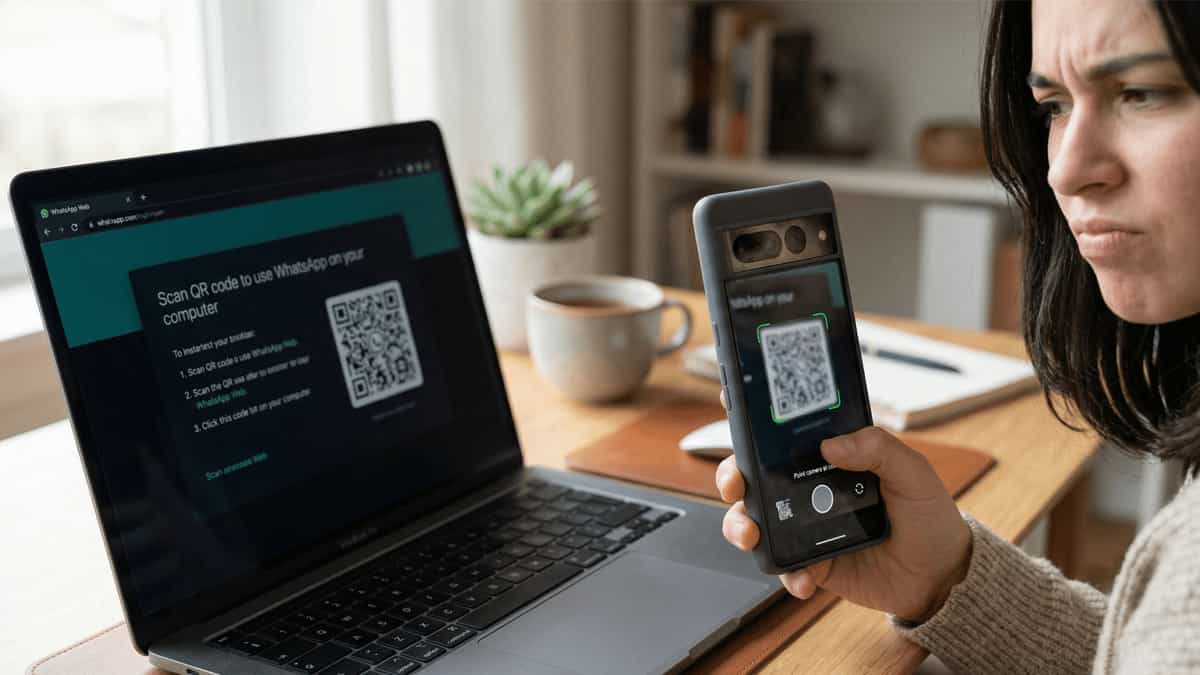
Smartphone camera trying to scan dim WhatsApp Web QR code on laptop screen

Quick Summary Fix Method Difficulty When to Use Increase Screen Brightness Easy QR code is dim or hard to see on computer screen Clean Camera Lens & Adjust Distance Easy Camera image looks blurry or smudged; hold phone 6–10 inches away Check Camera Permissions Medium WhatsApp or browser lacks camera access on phone Refresh QR … Read more

Fix: MS Outlook Runs Slowly or Crashes – Oversized PST File Performance

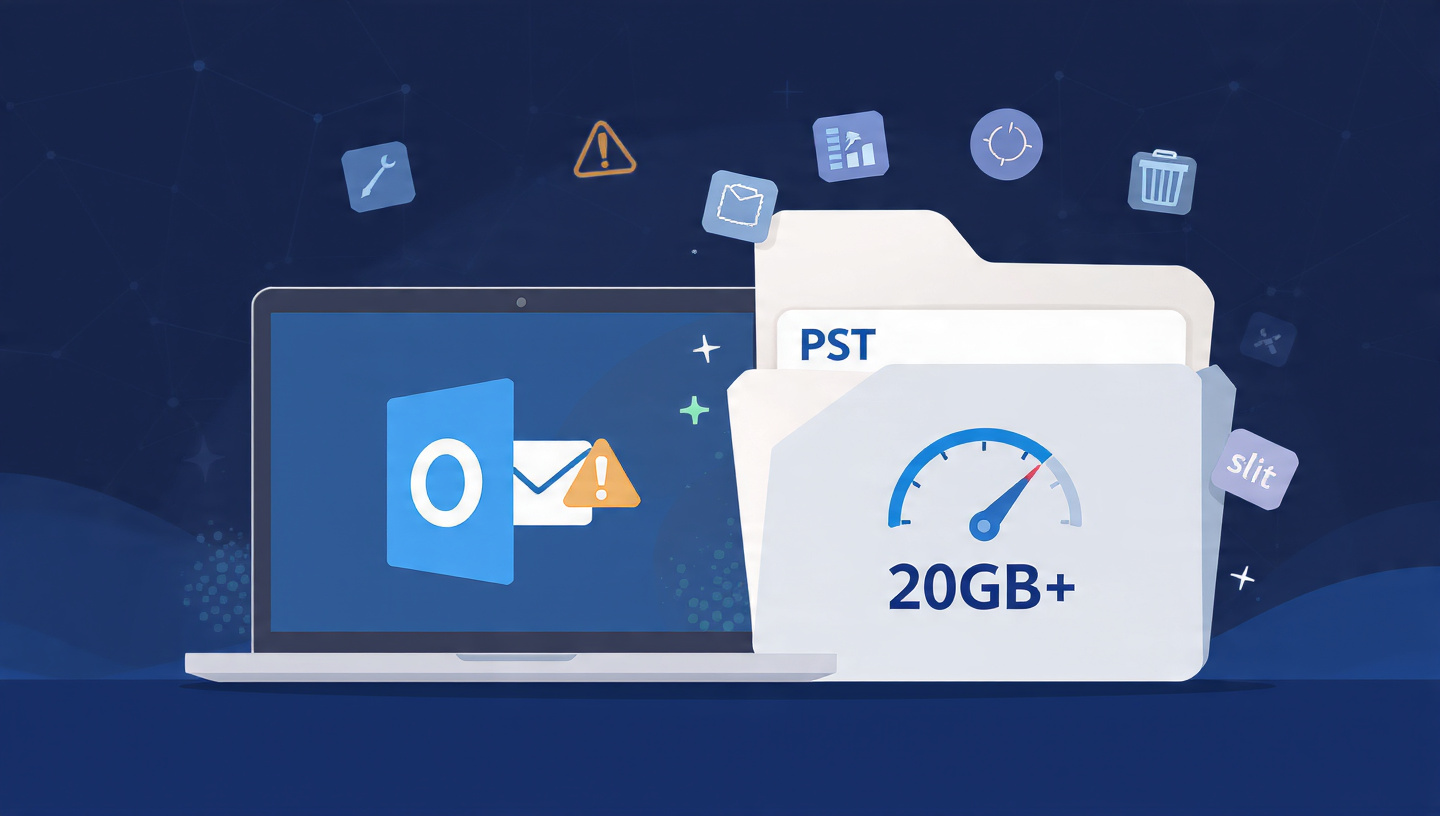
Flat vector illustration of a laptop with Outlook showing slow performance, next to an oversized PST folder with 20GB+ warning, speedometer, and split/compact icons

TL;DR: Outlook performance degrades sharply when your PST file exceeds 20GB. The solution is to compact, split, or archive your data. Jump to Solution 3 to learn how to split your PST file safely. Few things test your patience like a sluggish Outlook—endless “Not Responding” messages, delayed send/receive, and random crashes. If your Outlook has … Read more

Fix: Outlook Error 0x800CCC0F – Server Connection Interrupted

Flat vector illustration of a laptop with Outlook error 0x800CCC0F, surrounded by broken connection, server warning, firewall, and timeout icons on a dark blue grid background

TL;DR: Error 0x800CCC0F means the connection to your mail server was lost mid‑operation. Often caused by unstable networks, firewall blocks, or server timeouts. Jump to Solution 4 to check your ports and encryption. Few email errors are as disruptive as the sudden “Server Connection Interrupted” message. You’re in the middle of sending or receiving, and … Read more

Fix: Outlook Error 0x800CCC0E – “Cannot Connect to Server”

Flat vector illustration showing a laptop with Outlook displaying error 0x800CCC0E, surrounded by icons representing firewall, server, network plug, and wrench on a dark blue grid background

TL;DR: Error 0x800CCC0E usually means Outlook can’t reach your mail server. Start by checking your internet connection and disabling your antivirus temporarily. Jump to Solution 4 to verify your server settings. Few things are as frustrating as clicking “Send/Receive” in Outlook only to be met with the error: “Task ‘your email address’ reported error (0x800CCC0E): … Read more

Fix: “A Required Authentication Broker is Missing” in Outlook & Microsoft 365

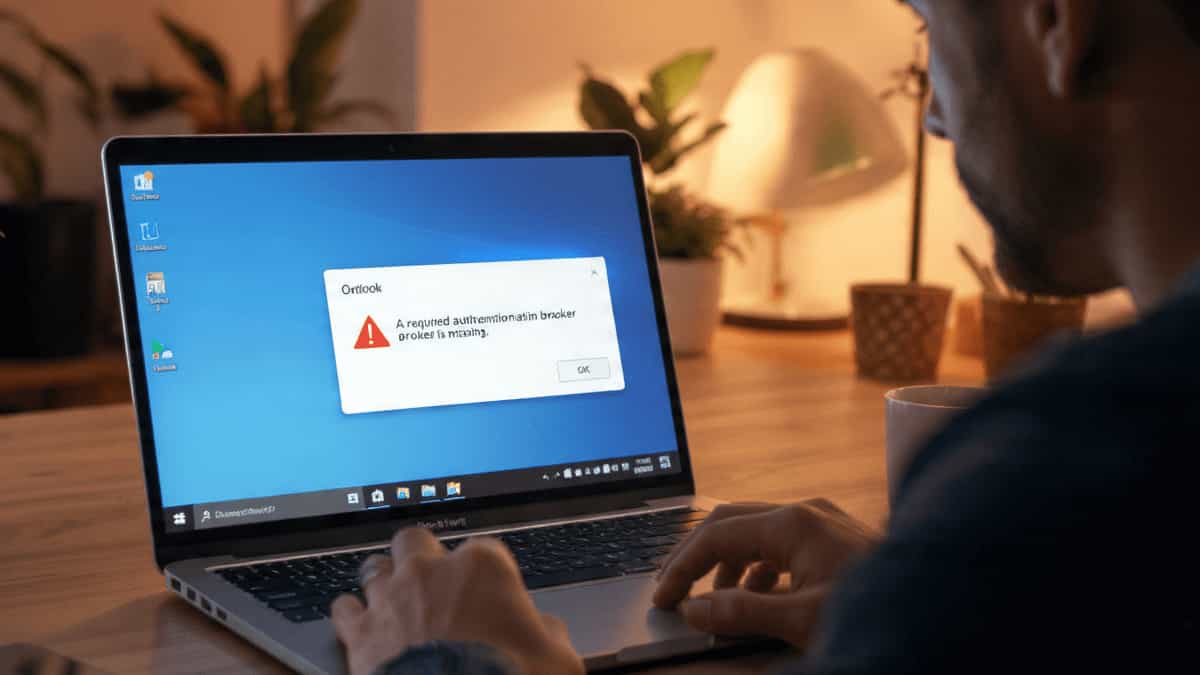
A laptop screen displaying the Microsoft Outlook error message A required authentication broker is missing in a home office setting.

TL;DR: The most common fix is re‑registering the AAD Broker Plugin via PowerShell. Jump straight to Solution 3 to get back into Outlook quickly. If you’re staring at the error “A required authentication broker is missing” while trying to sign in to the Outlook desktop app, you’re not alone. This issue has been frustrating Microsoft … Read more

Fix PS5 Error CE-108255-1: Game Keeps Crashing? Try These 5 Solutions (2026)

PS5 error CE-108255-1 game crash screen with gamer holding controller in dark setup

If your game closes suddenly with the message “Something went wrong with this game or app (CE-108255-1),” you aren’t alone. While this code looks scary, Sony technicians confirm it is 100% software-based in most cases. This error essentially means the console’s “handshake” with the game data failed. Here is how to resolve it, from the … Read more

Fixing Inconsistent AI Images: Taming Prompt Sensitivity

A side-by-side comparison of four AI-generated images of a young girl in a garden, showing how minor prompt changes affect lighting, style, and composition.

If you’ve ever typed a perfect description into an AI generator—only to get a masterpiece on the first try and a disaster on the second—you’ve encountered Prompt Sensitivity. Because AI models don’t “read” like humans, a single misplaced comma or a synonym can shift the model’s focus, leading to wildly different styles, lighting, or compositions. … Read more

Fix: Unable to Share or View a Shared Calendar in MS Outlook

Two colleagues in a professional office looking at a blank Microsoft Outlook shared calendar on a monitor, illustrating common calendar permission and sync issues.

Sharing calendars in MS Outlook is essential for team collaboration, but it’s notorious for “permission denied” errors or calendars that simply appear blank. Whether you can’t send an invite or you’ve accepted one that won’t open, the issue usually stems from permission mismatches, sync settings, or a glitchy Autodiscover service. Here is how to fix … Read more

Fix: MS Outlook Folders Disappeared (Only Inbox Visible)

A person looking stressed at a computer screen showing Microsoft Outlook with a missing sidebar and only the Inbox folder visible, representing a common folder hierarchy display issue.

Opening Microsoft Outlook only to find your Sent Items, Drafts, and Custom Folders have vanished is a heart-stopping moment. If your sidebar only shows the Inbox, don’t panic—your data is almost certainly still there; Outlook is likely having a display or synchronization “glitch.” This usually happens due to a corrupted Navigation Pane, hidden IMAP folders, … Read more

How to Properly Connect GA4 Using Google Tag Manager

Setting up Google Analytics 4 with Googtle Tag Manager

Setting up Google Analytics 4 sounds simple in theory. In reality? Tags, triggers, preview mode, publishing… and suddenly nothing makes sense. If you’ve ever stared at GTM wondering “Why is my tag not firing?” — this guide is for you. No fluff. Just practical steps. Step 1 — Create a GA4 Property First, you need … Read more

Shopify vs Self-Hosted OpenCart: Complete Comparison with Hidden Costs

OpenCart vs Shopify comparison with shocked developer face highlighting hidden costs

Here’s a detailed comparison between Shopify and Self-Hosted OpenCart, including the real hidden costs of Shopify that many merchants overlook: 1. Upfront Costs Factor Shopify OpenCart (Self-Hosted) Software Cost Monthly subscription ($29–$299+) Free (open-source) Hosting Included $5–$50/month (VPS/shared hosting) Domain $15–$50/year (if bought via Shopify) $10–$20/year (cheaper via Namecheap) SSL Certificate Free (Shopify forces their … Read more

iPhone 15 Pro Max 5G – Display Features, Specification & Review

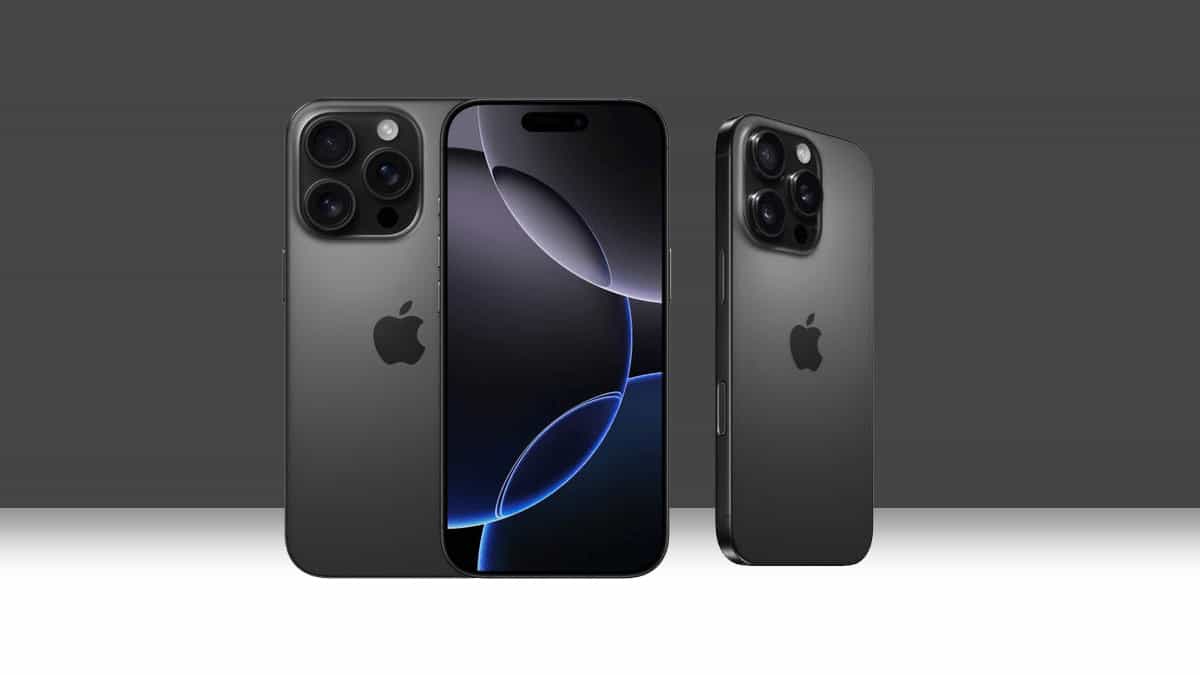
iPhone 15 Pro Max 5G

Display & Viewport Review The iPhone 15 Pro Max’s 6.7-inch OLED screen delivers exceptional clarity for everyday use. Text appears razor-sharp during reading or web browsing, while social media feeds scroll with buttery smoothness thanks to the 120Hz ProMotion refresh rate. Google Discover cards and AI Overviews render cleanly, fully utilizing the spacious viewport without … Read more