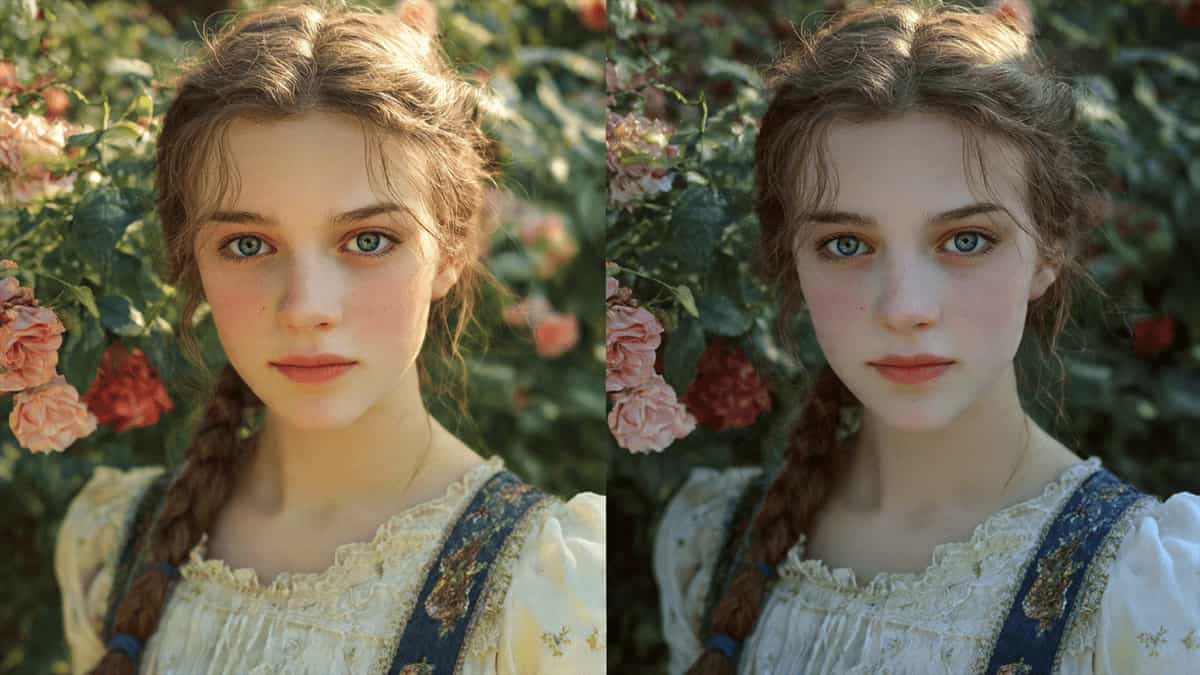
If you’ve ever typed a perfect description into an AI generator—only to get a masterpiece on the first try and a disaster on the second—you’ve encountered Prompt Sensitivity.
Because AI models don’t “read” like humans, a single misplaced comma or a synonym can shift the model’s focus, leading to wildly different styles, lighting, or compositions. Here is how to reduce the chaos and get consistent, predictable AI art.
Solution 1: Use a “Weighted” Prompt Structure
AI models prioritize words based on their position. To keep things consistent, always follow a fixed hierarchy:
- The Core (First 3-5 words): The Subject + Action (e.g., Cyberpunk cat running).
- The Environment: Where is it? (e.g., neon-lit Tokyo alleyway).
- The Technicals: Lighting and Camera (e.g., low-angle shot, cinematic lighting, f/1.8).
- The Artist/Style: The final polish (e.g., hyper-realistic, 8k, Unreal Engine 5 render).
Solution 2: Lock the Randomness (Seeds)
Every AI image starts as a field of random static (noise). The “Seed” is the starting point of that noise.
- Find the Seed: When you get a layout you like, look for the Seed ID in the metadata.
- Reuse the Seed: In your next prompt, add
--seed [number]. - Result: Now, when you change “blue shirt” to “red shirt,” the person and background will stay almost identical because the starting noise was the same.
Solution 3: Master the “Negative Prompt”
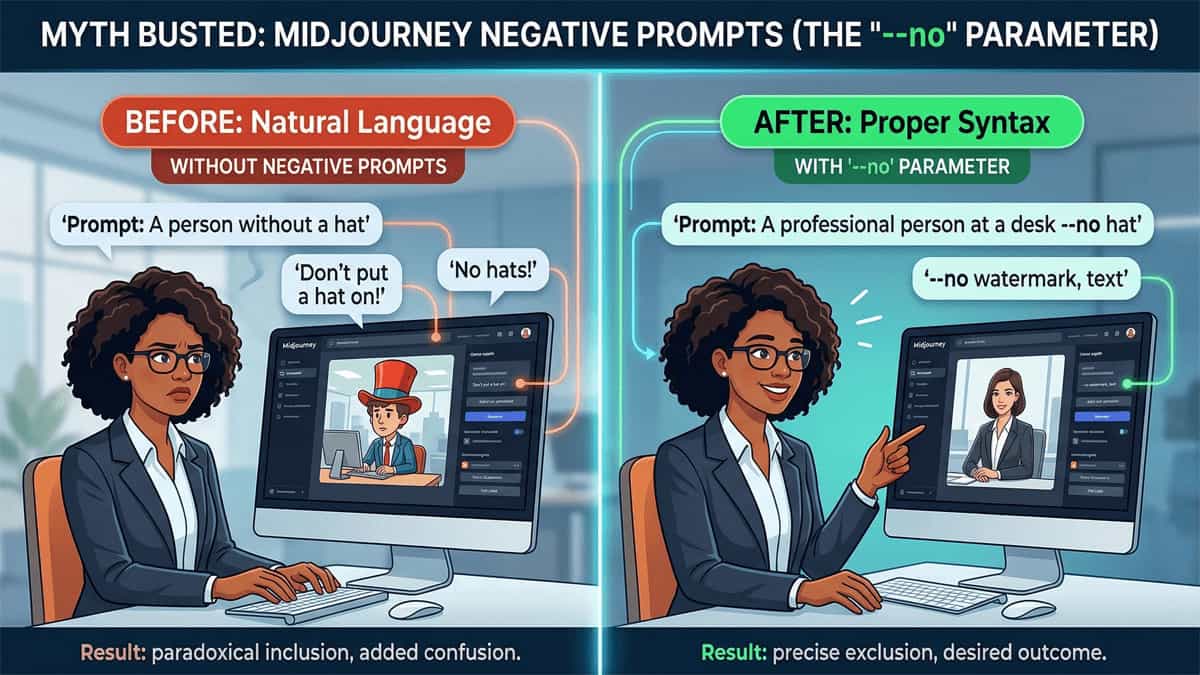
Negative prompts act as a filter. If your AI keeps adding “extra fingers” or making the lighting too dark, don’t change your main prompt—add it to the negative field.
- Standard Negative Kit: blurry, low-res, distorted, extra limbs, text, watermark, grainy.
- Style Negative: If you want a photo but keep getting “drawings,” add illustration, painting, 3D render to the negative prompt.
Solution 4: Keep the Aspect Ratio Consistent
Changing from a square (1:1) to a portrait (9:16) doesn’t just stretch the image; it forces the AI to “hallucinate” new details to fill the space.
- Tip: If you are trying to create a consistent character or series, stick to one aspect ratio for the entire project.
Solution 5: Use Reference Parameters (Midjourney/Stable Diffusion)
In 2026, the best way to stay consistent is to use Style References.
- In Midjourney, use the
--sref [URL]command with a link to an image you love. The AI will “copy” the aesthetic, colors, and vibe of that image without changing your new subject.
Further Reading
Explore more ways to master the world of Artificial Intelligence: