You’ve probably seen the little padlock icon in your browser’s address bar and thought, “Great, my site is secure.” But is it really? Many website owners mistakenly believe that installing an SSL certificate makes their site immune to hackers, malware, or data breaches.
The truth is that SSL is just one piece of the security puzzle—a critical one, but far from sufficient on its own. In this guide, we’ll break down the difference between SSL security and comprehensive website security, and show you exactly what you need to protect your site, your data, and your visitors.
Table of Contents
What is SSL Security?
SSL (Secure Sockets Layer) — now technically TLS (Transport Layer Security) — is a cryptographic protocol that encrypts data traveling between a visitor’s browser and your web server. As of 2026, TLS 1.3 is the industry standard, offering stronger encryption and faster handshakes than its predecessors. Older versions (TLS 1.0 and 1.1) are now actively blocked by modern browsers, meaning your site must support at least TLS 1.2 (ideally 1.3) to be accessible.
When you install an SSL certificate, your site:
- Uses HTTPS instead of HTTP
- Displays a padlock icon in the browser
- Protects data like login credentials, payment details, and personal information from being intercepted by attackers (man‑in‑the‑middle attacks)
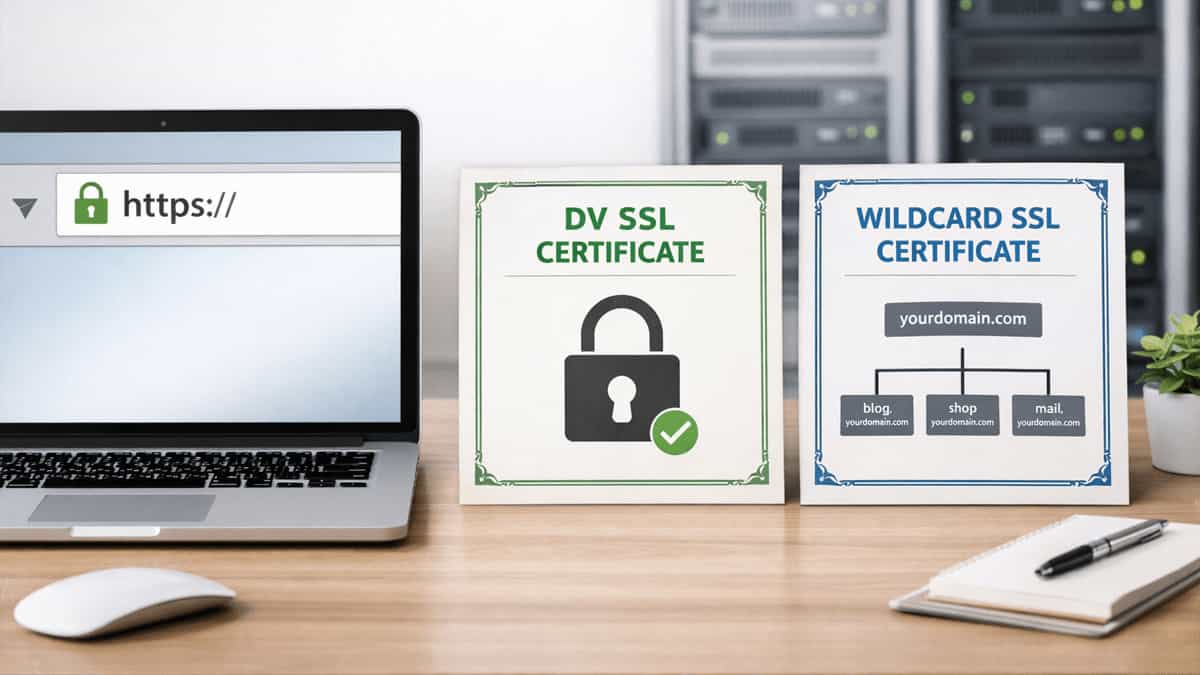
SSL certificates are issued by Certificate Authorities (CAs) after validating your domain (DV), organization (OV), or extended identity (EV).
Think of SSL as a secure tunnel—it ensures that data passing through the tunnel cannot be read by outsiders. But it does not guard what happens at the tunnel’s endpoints (your server or the visitor’s device) or whether the tunnel itself is built on solid ground.
What is Website Security?
Website security is the practice of protecting your website from threats, vulnerabilities, and attacks. It encompasses a wide range of measures that go far beyond encryption.
In 2026, a comprehensive website security strategy must also account for:
- API Security: Many modern websites are “headless” or rely heavily on external APIs. Securing these connections is critical because a compromised API can become a backdoor into your site.
- AI‑Driven Threats: Attackers increasingly use AI to craft sophisticated zero‑day exploits. Modern firewalls (like Cloudflare, Sucuri) now employ machine learning behavioral analysis to detect and block these emerging threats in real‑time.
- Supply Chain Risks: Malicious code can be injected into trusted plugins or third‑party libraries. A complete security plan includes monitoring for compromised dependencies.
Key layers of a modern website security strategy include:
- Malware scanning & removal – detecting and cleaning malicious code
- Web Application Firewall (WAF) – filtering out malicious traffic and bots
- DDoS protection – preventing overwhelming traffic floods
- Backup & disaster recovery – ensuring you can restore your site after an attack
- Vulnerability patching – keeping software (CMS, plugins, themes) up to date
- Strong access controls – enforcing complex passwords, two‑factor authentication, and passkeys (the passwordless authentication standard gaining traction in 2026)
- Security monitoring & alerts – real‑time notifications of suspicious activity
- Security audits & hardening – reviewing configurations and removing unnecessary services
Without these layers, an SSL certificate alone is like locking the door of a house but leaving all the windows wide open.
The Misconception: “I Have SSL, So I’m Safe”
This is one of the most dangerous myths in website management. Let’s set the record straight:
| Myth | Reality |
|---|---|
| SSL protects my site from hackers | SSL only encrypts data in transit. Hackers can still exploit software vulnerabilities, steal passwords, or upload malware directly to your server. |
| The padlock means my site is secure | The padlock only indicates that the connection is encrypted. It does not mean the site is malware‑free, patched, or protected against attacks. |
| SSL replaces a firewall or security plugin | No. SSL and firewalls serve completely different purposes. Firewalls block malicious traffic; SSL secures the channel. |
| If I use a free SSL, my security is weaker | Free SSL (e.g., Let’s Encrypt) provides the same encryption strength as paid SSL. The weakness is not in the encryption but in the lack of other security measures. |
Real‑world example: In 2025, a popular e‑commerce site with a valid EV SSL certificate was hacked through a supply chain attack—a compromised plugin update injected a backdoor. The attackers stole customer data, and the site was blacklisted by Google—even though the padlock was still green. The SSL did nothing to stop the breach.
Layers of a Complete Website Security Strategy
A truly secure website combines multiple layers:
- SSL/TLS Encryption – The foundation: encrypt data in transit.
- Web Application Firewall (WAF) – Filters malicious requests before they reach your server.
- Malware Scanning & Removal – Regularly scans for hidden backdoors, infected files.
- DDoS Protection – Absorbs or deflects traffic floods that could take your site offline.
- Regular Backups – Automated, off‑site backups that allow you to restore your site quickly after an attack.
- Vulnerability Management – Automatic updates, patching, and removal of unused software.
- Access Control & Authentication – Strong passwords, 2FA, and passkeys (passwordless authentication) to secure admin areas.
- Security Monitoring & Alerts – 24/7 monitoring for suspicious activity and immediate notifications.
Think of it this way: SSL protects the pipe, but website security checks the water for poison before it enters the pipe.
SSL Providers vs. Website Security Providers: What’s the Difference?
| SSL Providers | Website Security Providers |
|---|---|
| Issue digital certificates for encryption | Offer comprehensive security services (WAF, malware removal, monitoring, etc.) |
| Examples: Let’s Encrypt, Sectigo, DigiCert, GoDaddy (SSL), Namecheap (SSL) | Examples: Sucuri, Cloudflare, Wordfence, SiteLock, MalCare, Comodo (now Sectigo Security) |
| Focus: Validating identity and encrypting data | Focus: Protecting the website from threats and recovering from attacks |
| Typically a one‑time purchase or annual renewal | Usually a subscription with ongoing monitoring and support |
Some companies (like GoDaddy and Namecheap) offer both SSL certificates and website security products. However, they are separate services with distinct purposes.
Top 7 Website Security Providers Compared
| Provider | WAF | Malware Scanning & Removal | DDoS Protection | Backups | Pricing Model | Best For |
|---|---|---|---|---|---|---|
| Sucuri | ✓ (Cloud‑based) | ✓ (Manual & automated) | ✓ | ✓ (Add‑on) | Subscription (starting ~$199/year) | High‑performance, enterprise‑grade protection |
| Cloudflare | ✓ (Free & paid plans) | ✓ (Paid plans) | ✓ (Unlimited with Pro+) | ❌ | Free – $200+/month | CDN + security integrated; ideal for all sites |
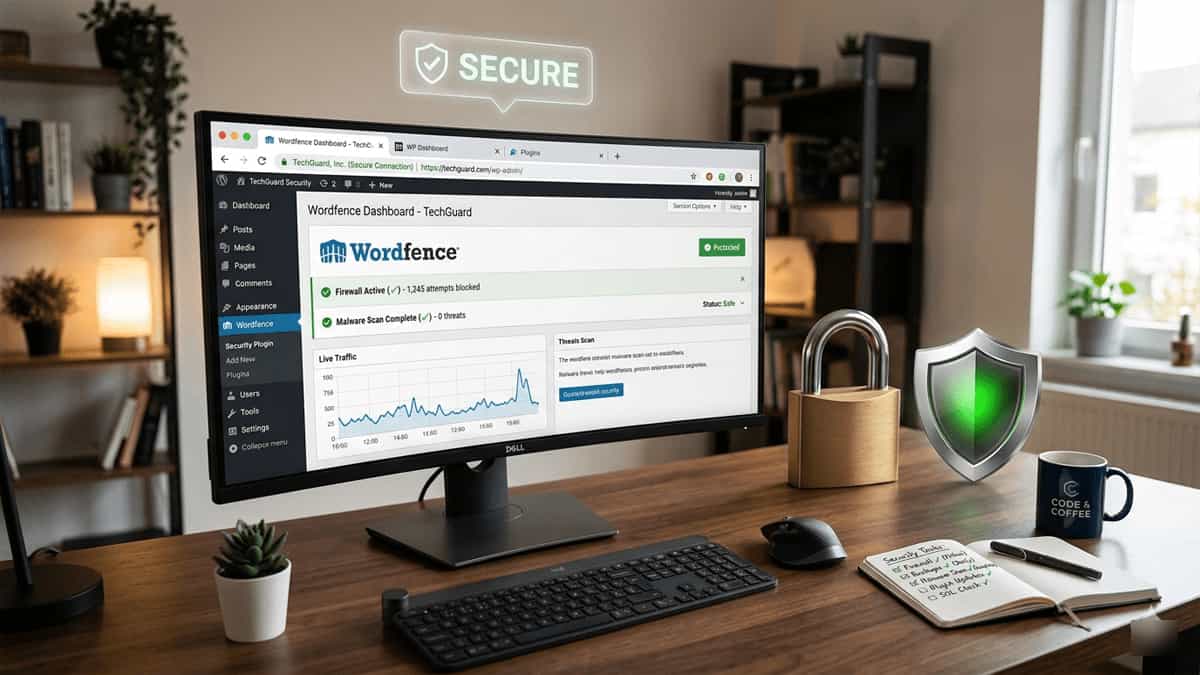
| Wordfence | ✓ (Endpoint) | ✓ (Free & premium) | ❌ (Relies on hosting) | ❌ | Free – $119/year (premium) | WordPress sites; built as a plugin |
| SiteLock | ✓ (Paid plans) | ✓ | ✓ (TrueShield) | ✓ (Add‑on) | Starting ~$2.50/month – $299/year | Bundled with hosting (GoDaddy, etc.) |
| MalCare | ✓ (Cloud‑based) | ✓ (One‑click cleanup) | ✓ (Built‑in) | ❌ | Starting ~$99/year | WordPress sites; automated malware removal |
| Comodo (Sectigo) Security | ✓ | ✓ | ✓ | ❌ | Subscription | Trusted CA + security; comprehensive suite |
| GoDaddy Website Security | ✓ (Paid) | ✓ | ✓ (With higher plans) | ✓ (With backups plan) | Starting ~$5.99/month (billed annually) | For GoDaddy customers; easy integration |
| Namecheap PremiumDNS & Security | ✓ (PremiumDNS includes DDoS) | ✓ (SiteLock reseller) | ✓ (PremiumDNS) | ✓ (Namecheap backups) | Starting ~$2.88/month (varies) | For Namecheap customers; bundled with domains/hosting |
Note: Many hosts (including GoDaddy, Namecheap, and others) resell or bundle security services. Always check what’s included in your hosting plan before purchasing separate security products.
Frequently Asked Questions (Doubts & Answers)
Q1: I have an SSL certificate from GoDaddy. Do I still need a website security service?
Yes. GoDaddy’s SSL certificate encrypts the connection, but it does not protect against malware, hacks, or DDoS attacks. Their separate “Website Security” product (powered by SiteLock) adds those layers.
Q2: Does Cloudflare replace SSL?
Cloudflare provides a free SSL certificate through its CDN (origin certificate) and can also proxy traffic to hide your server IP. It includes a WAF and DDoS protection. Important: Always use Full (Strict) mode in Cloudflare to ensure the connection between Cloudflare and your origin server is also encrypted—otherwise, a “leaky” connection could expose your data. Cloudflare is a security and performance layer, not just SSL.
Q3: Can I use multiple security services together?
Yes, but be careful to avoid conflicts. For example, you can use Cloudflare’s WAF and Wordfence together, but overlapping firewalls can sometimes cause false positives. It’s best to choose one comprehensive solution or integrate them carefully.
Q4: What if my site gets hacked despite having SSL and a firewall?
Even the best security can sometimes be breached. That’s why backups and malware removal services are essential. A complete security plan includes recovery options so you can restore your site quickly.
Q5: Is a web application firewall (WAF) necessary?
A WAF is one of the most effective layers of defense. It blocks malicious traffic (SQL injection, XSS, brute‑force attempts) before it reaches your site. If you run an e‑commerce or high‑traffic site, a WAF is highly recommended.
Q6: How often should I back up my site?
At least daily for active sites. A security provider that includes backups (like Sucuri or some hosting‑bundled plans) gives you peace of mind. Test your backups regularly to ensure they can be restored.
Q7: What are passkeys, and how do they help?
Passkeys are a passwordless authentication method that uses biometrics (fingerprint, face ID) or a hardware token. By 2026, they’ve become a standard recommendation for securing admin dashboards because they eliminate the risk of stolen or weak passwords.
Final Conclusion
SSL security and comprehensive website security are not alternatives—they are complementary layers. SSL protects the data in transit; a full security stack protects your site from being compromised in the first place.
- If you only have SSL: Your site is encrypted but vulnerable.
- If you only have a firewall but no SSL: Data travels unencrypted, risking interception.
- If you have both: You’ve built a strong foundation.
As threats evolve, so should your defenses. Start with a free SSL (Let’s Encrypt) or a paid certificate from a trusted CA, then layer on a WAF, malware scanner, and backups—whether through a dedicated security provider like Sucuri, Cloudflare, or a bundled solution from your hosting company.
For a deeper dive into network security concepts, check out our guide on the Network Security Model . And remember, even the most secure site can be undone by a vulnerable plugin—learn how to troubleshoot plugin issues in our WordPress plugin troubleshooting guide .
Secure your site properly—start with SSL, but don’t stop there. Your visitors, your data, and your reputation depend on it.