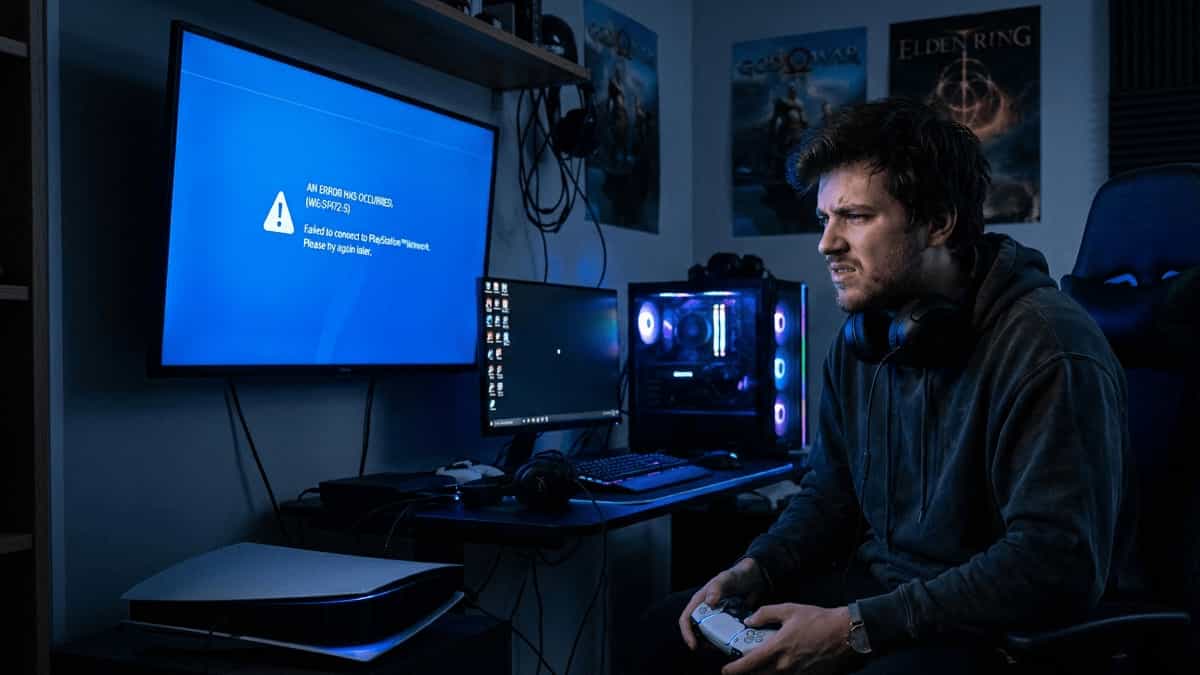
Encountering an error code on your PlayStation 5 can be frustrating, but seeing WS-116332-6 is particularly alarming. Unlike a simple game crash or connectivity glitch, this error points to a serious issue with your PlayStation Network (PSN) account.
When you see the message “Account Access Prohibited or Temporarily Unavailable,” it usually means one of two things: either the PSN servers are down, or—more gravely—your account has been suspended or banned for violating the Terms of Service.
A quick nuance: In many regions, WS-116332-6 is associated with a permanent ban, whereas the more common temporary suspension code is WS-37368-7. However, WS-116332-6 can also appear during temporary server maintenance, so don’t assume the worst until you’ve gone through the steps below.
Before you panic, here is a step‑by‑step guide to diagnosing and resolving this issue.
Step 1: Verify PSN Server Status
The easiest fix is often the simplest. Sometimes the problem isn’t you—it’s Sony.
Before assuming the worst, check if the PlayStation Network is experiencing a widespread outage. You can do this by visiting the official PSN Status page or browsing community forums like Reddit. If the servers are down for maintenance or due to an unexpected outage, you simply have to wait until Sony restores services.
Step 2: Check for a Sign‑In Ban
If the servers are up but you still can’t log in, the issue is likely account‑specific. Sony often issues temporary sign‑in bans for security reasons. This happens if you’ve:
- Attempted to log in with incorrect credentials too many times.
- Enabled 2‑Step Verification (2SV) and failed to enter the correct code.
- Logged in from a new location or IP address that triggered a security flag.
The Fix: Visit the official Sony Entertainment Network website via a desktop browser. Try to sign in. If you are prompted to verify your identity via email or SMS, do so. This often lifts the temporary hold immediately.
Step 3: Review Your Email for Suspension Details
If you are still seeing WS-116332-6, the situation is likely a formal suspension. Sony typically sends an email to the address associated with your PSN account explaining why the suspension occurred.
Common reasons for a permanent or temporary ban include:
- Chargebacks: If you disputed a charge with your bank or credit card instead of requesting a refund through Sony, your account is almost automatically suspended until the debt is repaid.
- Terms of Service Violations: This includes offensive behavior in messages, inappropriate online IDs, or cheating in online games.
- Payment Issues: An expired credit card linked to a subscription (like PS Plus) can sometimes trigger a lock on the account.
Check your spam folder. The email will tell you if the ban is permanent or temporary and, in some cases, provide a date for when access will be restored.
Step 4: Contact PlayStation Support
If you believe the suspension was issued in error, or if you need to resolve a chargeback issue, your only recourse is to contact PlayStation Support.
📸 Visual cue: [Insert screenshot of the PS5 error screen WS-116332-6 or the Sony “Sign In” verification page here to help users recognize the exact message.]
Be prepared with your:
- Online ID
- Sign‑in ID (email)
- Console serial number
If the suspension was due to a chargeback, you will likely need to purchase a PSN gift card equal to the disputed amount to repay the debt before support can reinstate your account.
👉 Direct link: Head to the official PlayStation “Fix & Replace” tool or their Refund Request page—these are the two most common destinations for users dealing with this error. You can find them under the “Support” section of the PlayStation website.
Step 5: Prevent Future Issues
Once your access is restored, take steps to ensure this doesn’t happen again:
- Enable 2‑Step Verification: This protects your account from being hacked and used for malicious activities.
- Use Official Refund Channels: Always request refunds through PlayStation support rather than disputing charges with your bank.
- Review the Community Code of Conduct: Familiarize yourself with Sony’s rules regarding messaging and online behavior.
Related Reading
If you are dealing with other hardware or software issues on your PS5, these guides from our blog can help:
Disclaimer: Mukunda Software is a fan site and is not affiliated with Sony Interactive Entertainment. For official support regarding account bans, please contact PlayStation Support directly.