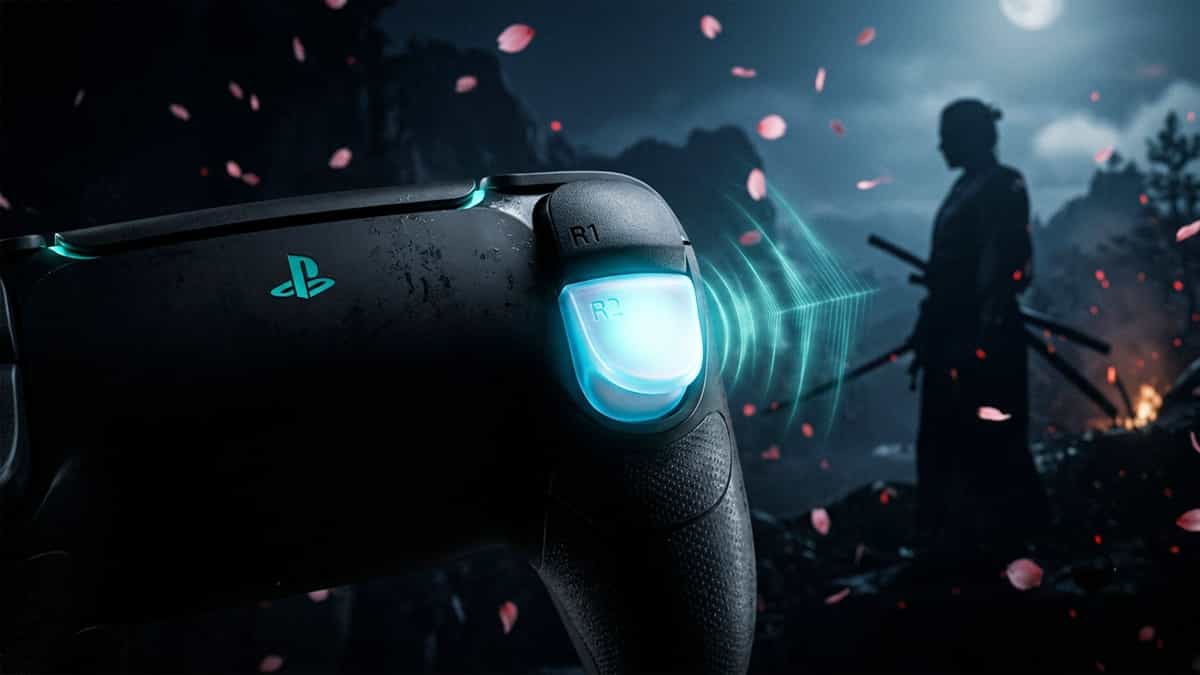
One of the breakout features of the PS5’s Ghost of Tsushima: Director’s Cut is the use of adaptive triggers. Whether it is the tension of drawing a half-bow or the resistance felt when using the grappling hook, the triggers add physical weight to Jin’s actions. However, some players experience a frustrating bug where “Adaptive Triggers” become stuck in a resistant state or, conversely, lose all resistance suddenly during gameplay.
If your DualSense triggers are acting out of place, follow these steps to reset the physical components on your PS5.
Step 1: Check Your Controller Battery Level
The PS5’s DualSense controller is designed to conserve power when the battery is low. If your controller is below 15% battery, the system may automatically disable intense haptic feedback and adaptive triggers to prolong your playtime.
- Press the PS Button to open the Control Center.
- Check the Accessories icon (Controller icon).
- If the battery is low, connect your controller using a data-sync USB cable. Trigger resistance usually returns immediately once the controller is receiving power.
Step 2: Reset the DualSense Controller Physical Hardware
Sometimes the controller’s internal firmware can “Hang” after sustained use of complex adaptive trigger profiles (like the constant bow draw). A physical reset often forces the gear mechanism to return to its default state.
- Turn off your PS5 completely.
- Locate the small reset button hole on the back of the DualSense controller.
- Use a small pin or paperclip to press and hold the button for 5 seconds.
- Reconnect the controller via USB and turn the PS5 back on. This resets the communication handshake and the internal motor calibration.
Step 3: Toggle “Trigger Effect Intensity” (System Level)
Conflict between the system-level trigger settings and the game’s internal adaptive engine can sometimes cause the haptics to “Sleep” after a certain amount of time.
- Go to PS5 Settings → Accessories → Controller (General).
- Check Trigger Effect Intensity. Try toggling it from Strong to Off and then back to Strong.
- This forced toggle often “Nudges” the internal gear motor back into its intended alignment.
Step 4: Update DualSense Controller Firmware
Sony frequently releases controller software updates specifically to fix adaptive trigger stability and motor alignment issues. Outdated controller software is the most common cause of “Fading” trigger resistance.
- Go to PS5 Settings → Accessories → Controller (General).
- Select DualSense Wireless Controller Device Software and install any pending updates.
Step 5: Rebuild the PS5 Database (Safe Mode)
If adaptive triggers are consistently failing across multiple games or after long sessions, the console’s system database may need a consolidating refresh.
- Turn off the PS5 completely.
- Hold the power button until the second beep to enter Safe Mode.
- Connect your controller via a data-sync USB cable.
- Select Rebuild Database. This consolidated storage clears glitches related to haptic buffering and controller handshake protocols.
Final Note
The feels of the half-bow and the heavy draw are what makes the PS5 version of Tsushima truly special. By ensuring your controller is charged and your firmware is up-to-date, you’ll be able to enjoy the physical weight of the samurai world once again as you explore the island. If a match is truly soft-locked, a database rebuild is your best long-term fix.
Also Read
Disclaimer: Mukunda Software is a fan site and is not affiliated with Sony Interactive Entertainment or Sucker Punch Productions. For official support, please contact PlayStation Support.